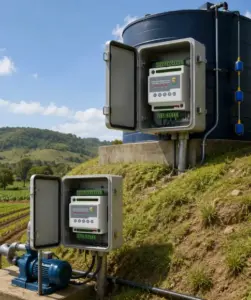
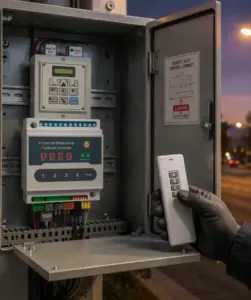
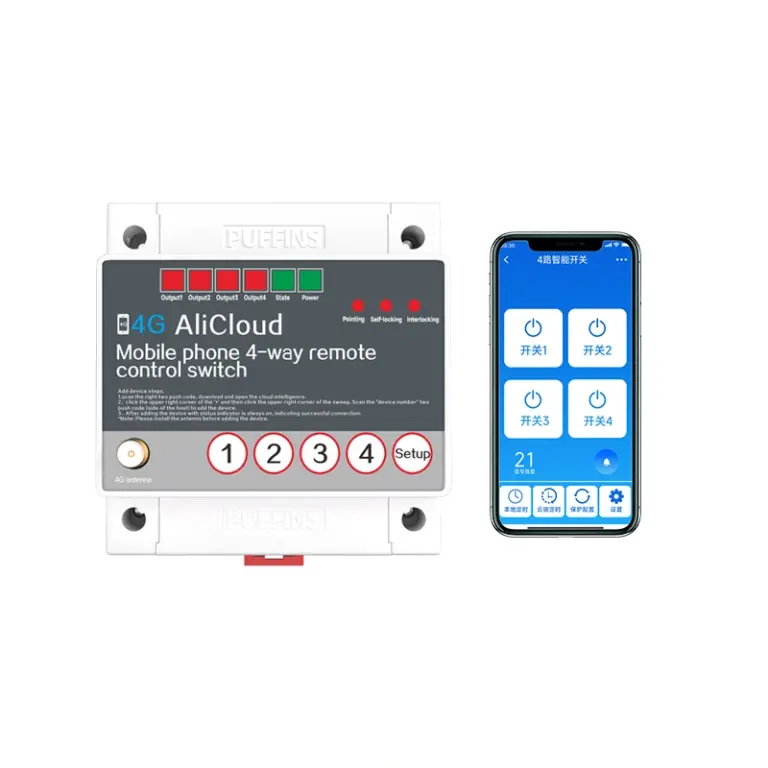
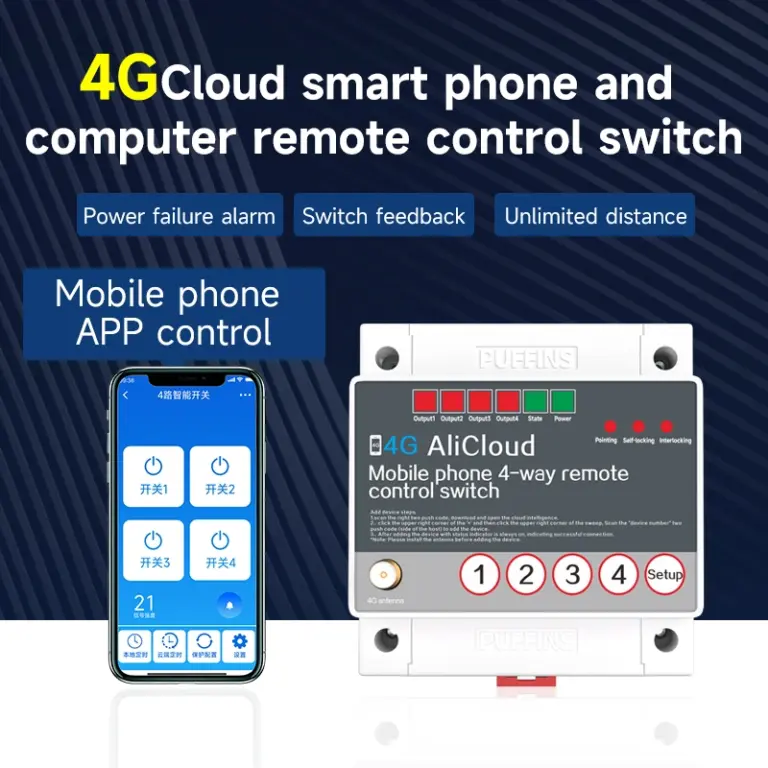
Product Characteristics
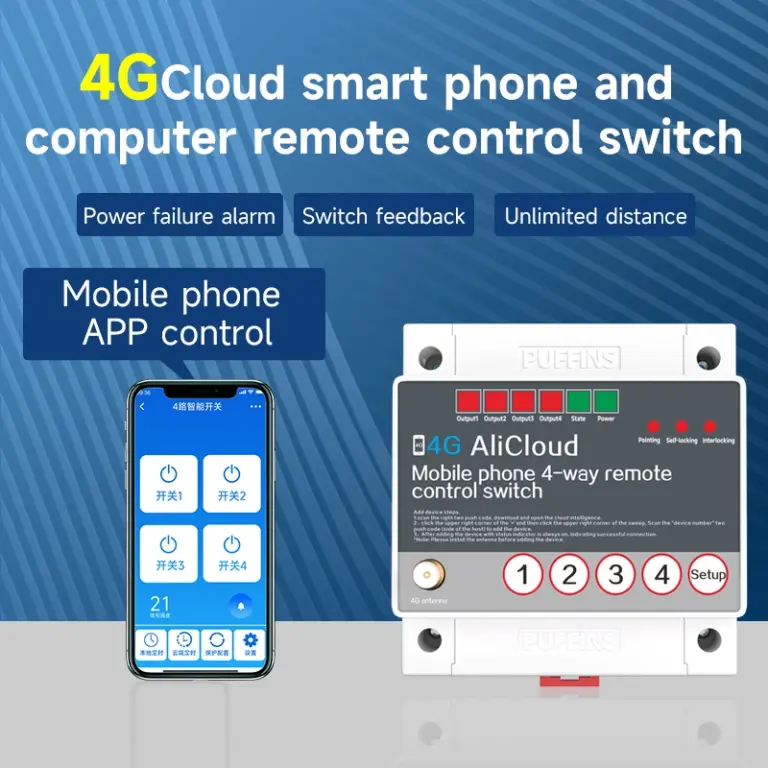
- Unlimited control distance
- Optional manual control
- Multiple mode
- Built-in SIM card slot
- Mobile support 2G/4G
- Real-time status feedback
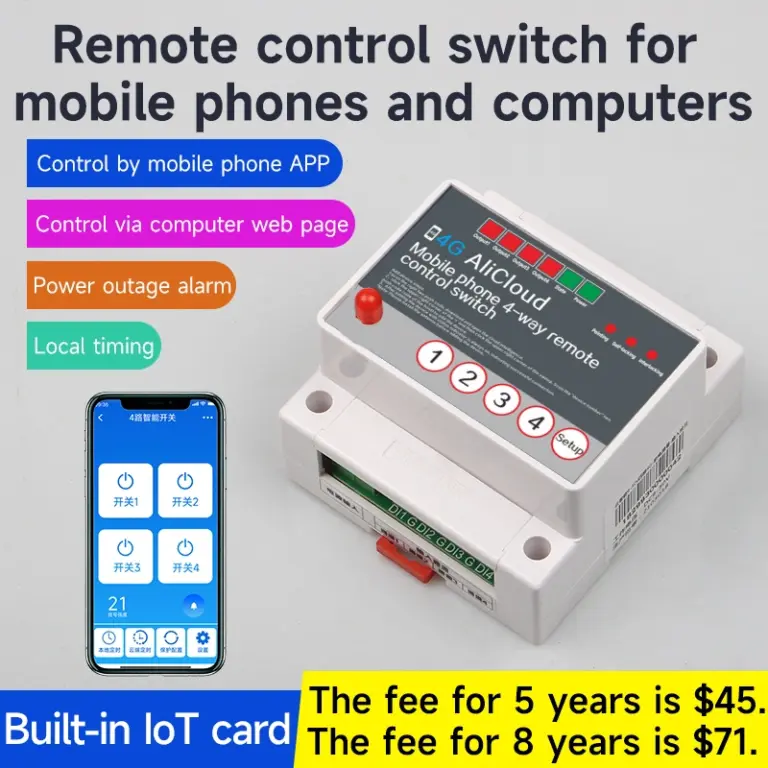
- Mobile intelligent App control
- Can be used by multiple people
- China Telecom/China Unicom/China Mobile 4G support
- More stable and smoother
Product Parameters
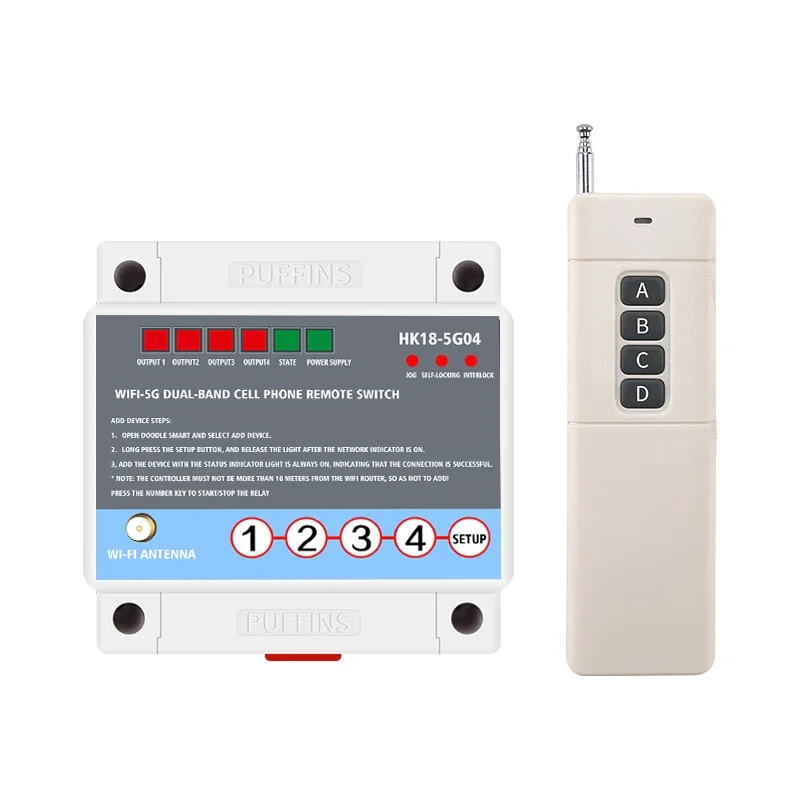
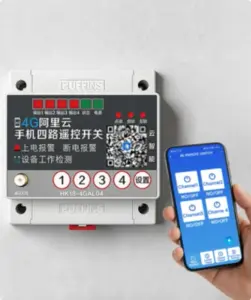
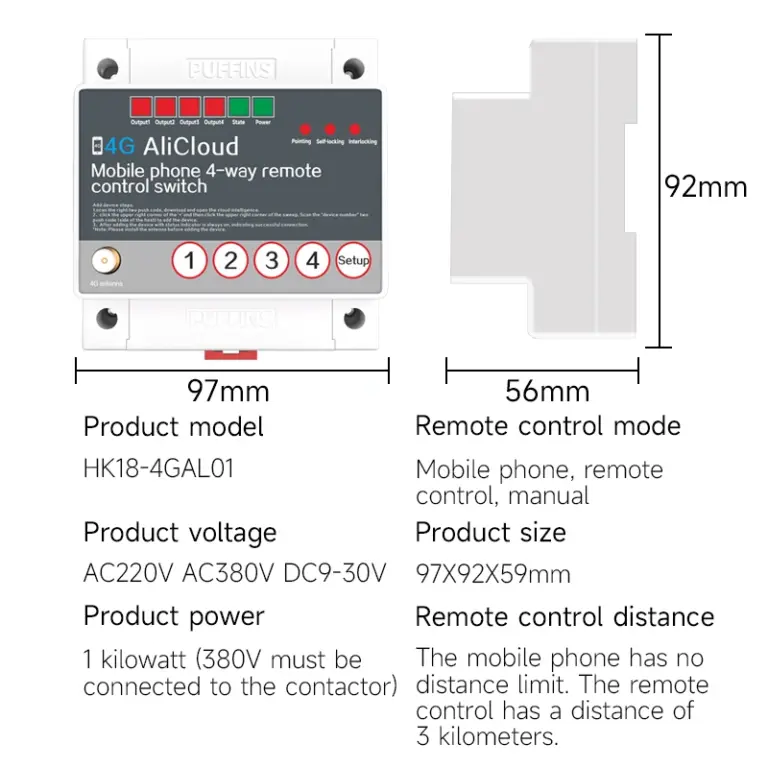
| Product Name | 4G Cloud-Enabled Smart Four-Channel Remote Control Switch |
| Product Model | HK18-4GDL04 |
| Control Method | Manual, cloud-based smart app, remote control |
| Operating Voltage | AC 220 V / 380 V universal, 9–30 V |
| Operating Mode | Momentary, self-locking |
| Interlocking | Supported |
| Terminal Platform | Android, iOS |
| Operating Temperature | -40°C to 70°C |
| Relative Humidity | < 95% RH |
| Dimensions | 97 × 92 × 59 mm |
| Installation Method | Rail mounting, screw mounting |
Status Light Description
Mode Switching
In the event of a power outage, press and hold the settings button to turn on the power and switch modes. Each operation switches to the next mode. [Momentary, self-locking, interlocking]
Remote Control Learning and Code Clearing
Four-Step Learning Method
With the power on, press the set button for 5 seconds. All three mode lights will turn on. Immediately press any button on the remote control. Two of the three mode lights will turn off, only the current mode light will remain on, and the learning process is complete. You can use it now!
Four-Way Code Clearing Method
With the power on, press and hold the setting button until the three mode lights flash three times, then release the button to complete code clearing!
Note: The remote control is pre-paired with the main unit at the factory, so it can be used immediately without the need for pairing or learning!
Particular Attention
- This product is only for use in mainland China and cannot be used in Hong Kong, Macao, Taiwan, or overseas regions.
- As long as the switch can connect to the Internet, there is no distance limit for mobile phone remote control. The remote control distance is a theoretical distance. In actual use, trees, buildings, hills, high-voltage lines, and electromagnetic interference factors can reduce the remote control distance. 70% in the severe environment. The distance is shortened when there are obstacles, and the actual usage distance is determined by the on-site environment.
- Before connecting the device to the network, please strictly follow the wiring instructions in the manual and be sure to connect the antenna!
- The switch needs to be activated when connecting to the network for the first time. For details, please refer to the status light status and troubleshooting methods below the network connection steps.
- For equipment that may cause accidents involving human life or have a significant impact on trials due to timing switch events (such as medical equipment and large equipment), please do not use this timing switch.
- For equipment that could suffer significant property damage if failing to switch on/off (such as large power equipment), when selecting this product, be sure to use double insurance in the control circuit. It is recommended to use another switch as a backup.
- Please do not repair, disassemble, or modify the product yourself. Be sure to entrust repairs, inspections, and other work to a dealer or the company responsible for details.
- This switch operates in environments free of moisture, corrosiveness, and high metal dust. Keep away from high-voltage lines, large transformers, and other sources of interference with remote control signals.
- Do not touch the terminals after connecting the power supply.
- Do not allow oil or water to come into contact with this switch.
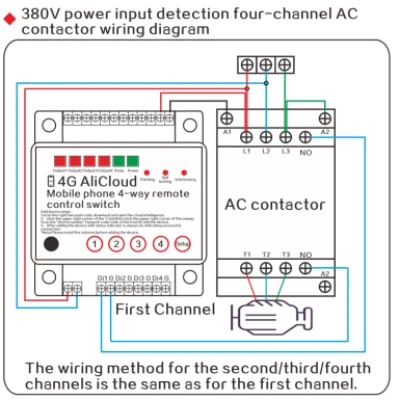
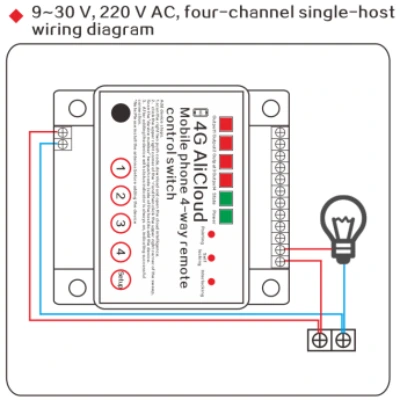
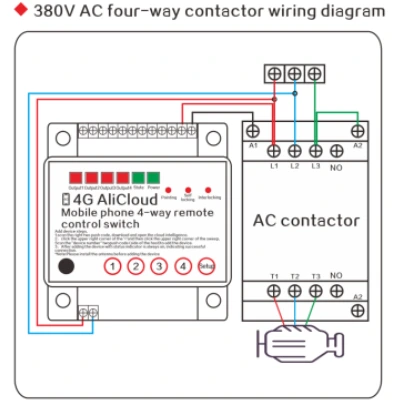
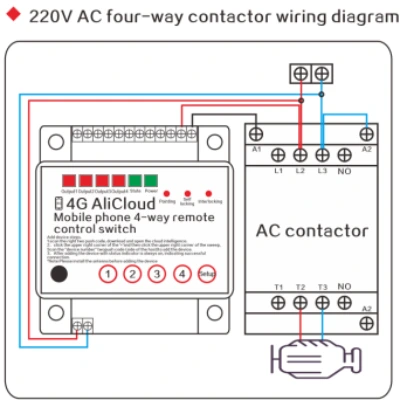
Wiring Diagrams