
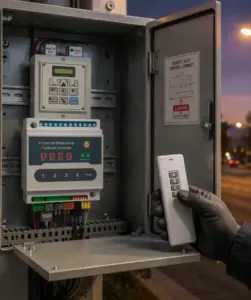
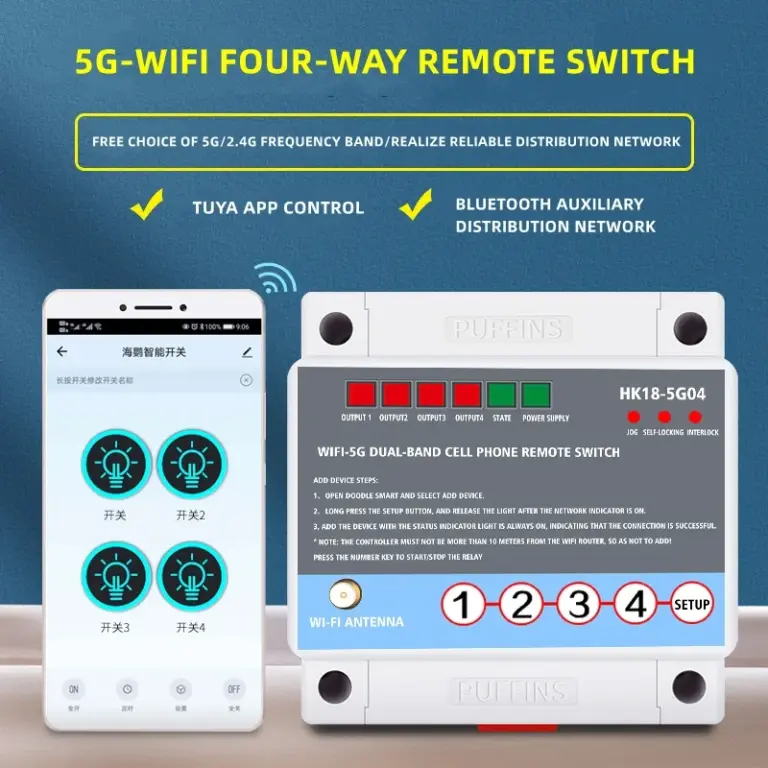
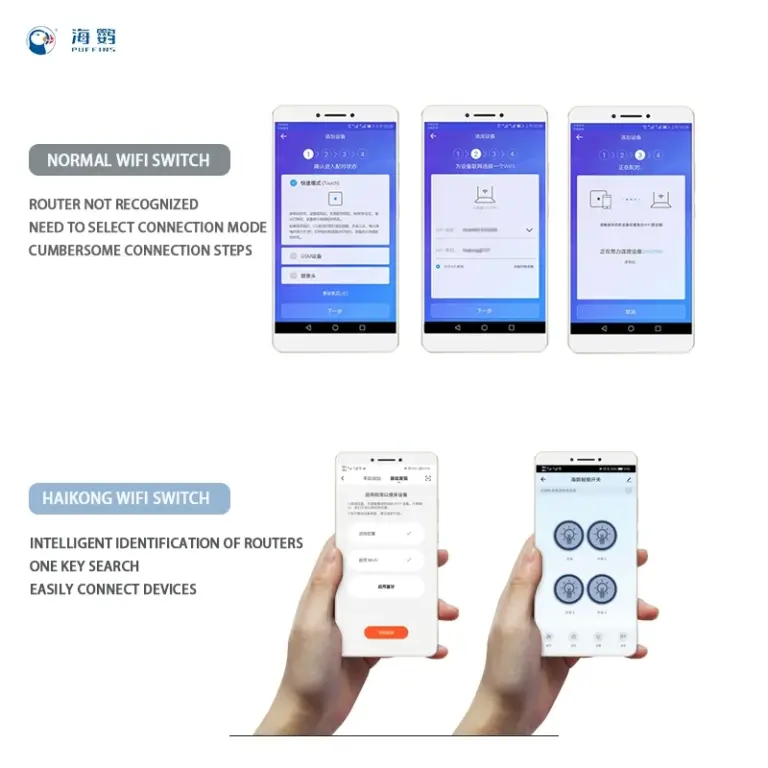
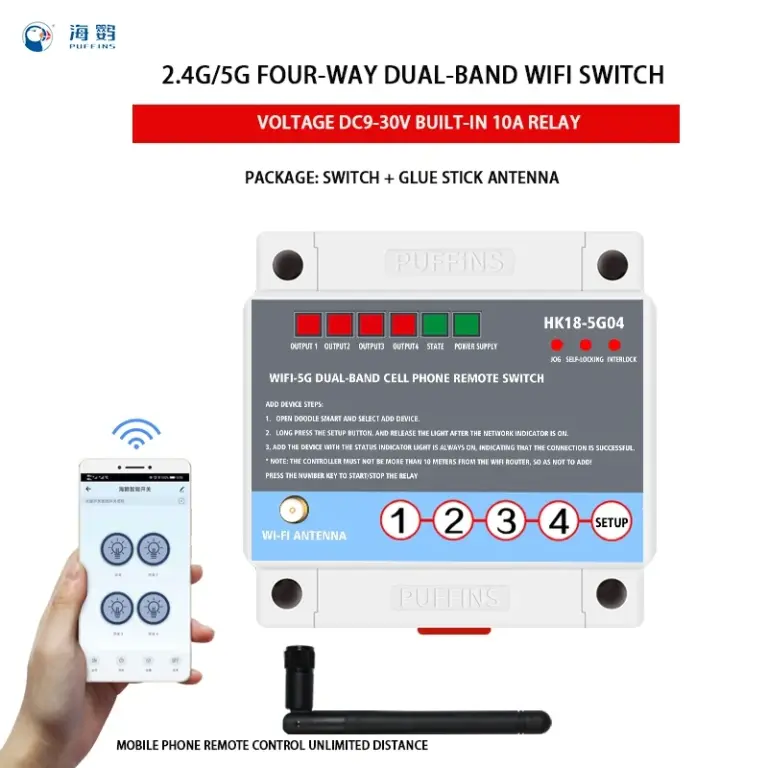
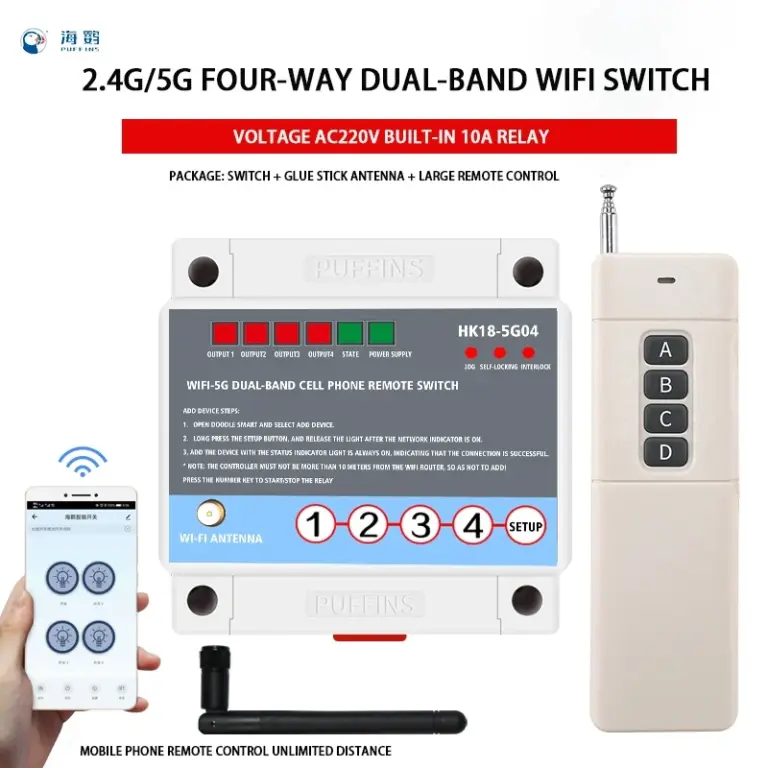
Product Application
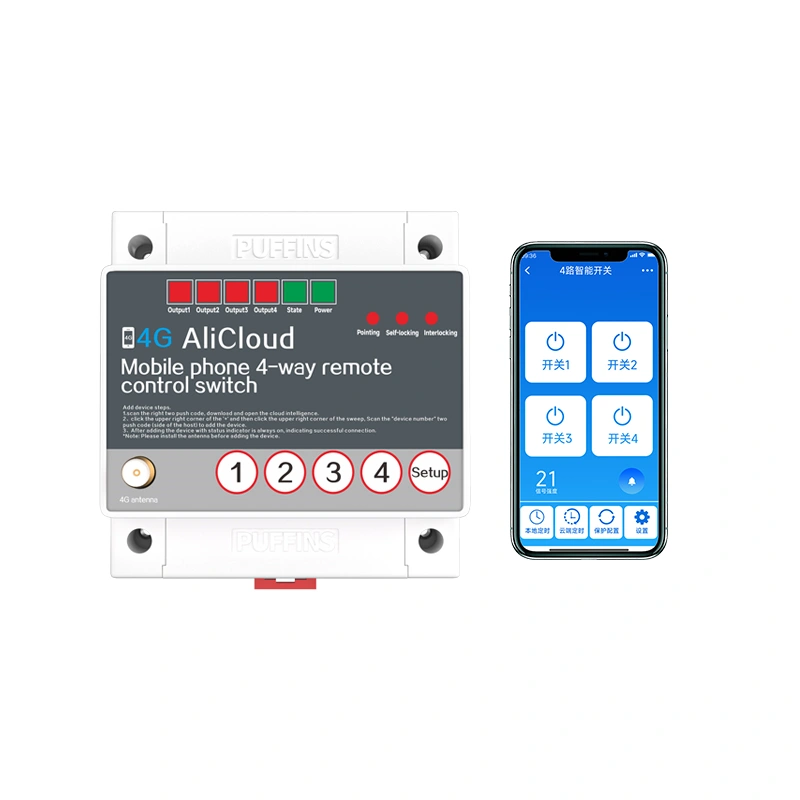
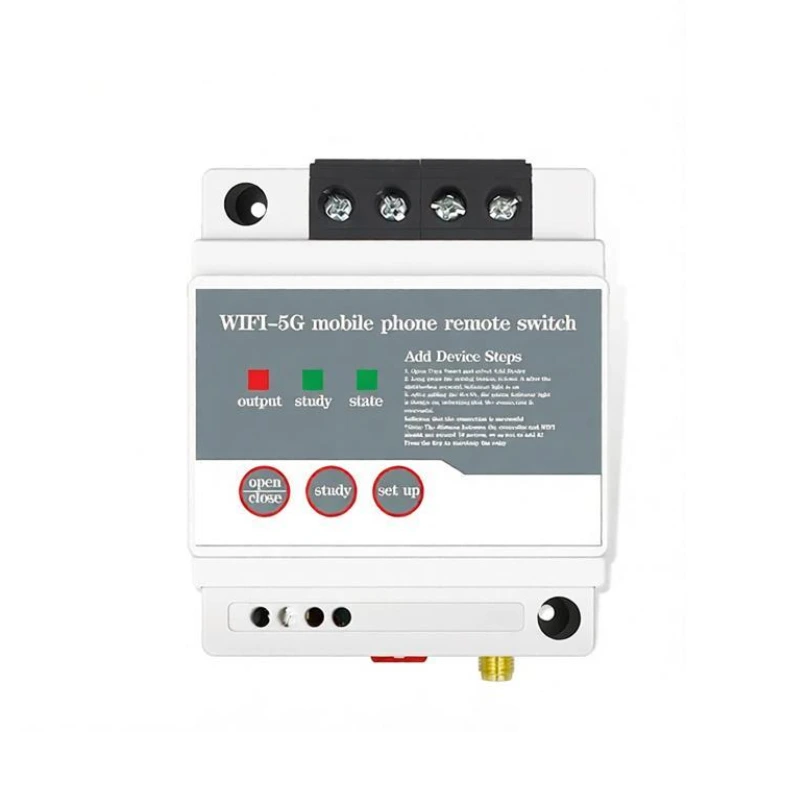
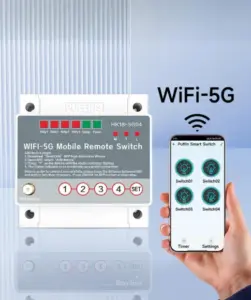
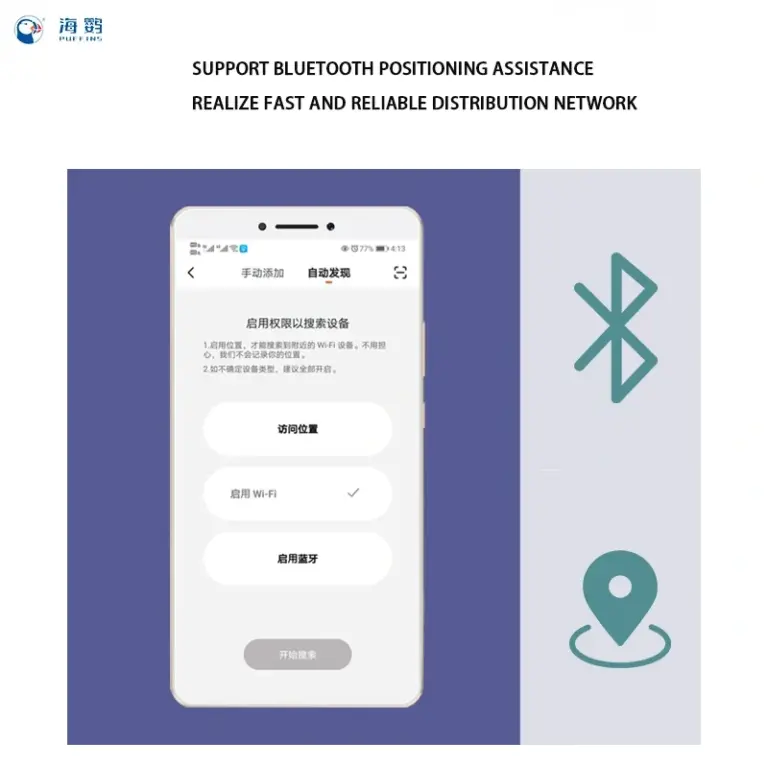
This product is a smart product, connected to WIFI use. Mainly used for household appliances, lamps and lanterns lighting occasions. Can use Doodle smart APP control, voice control, manual control and timing off switch. In addition this product supports customization services, such as the need to contact customer service!
Product Features
- Unlimited distance
- WIFI connection
- Voice control
- Support different frequency bands
- Multiple control
- APP control
- Status feedback
- Globally available
Product Parameters
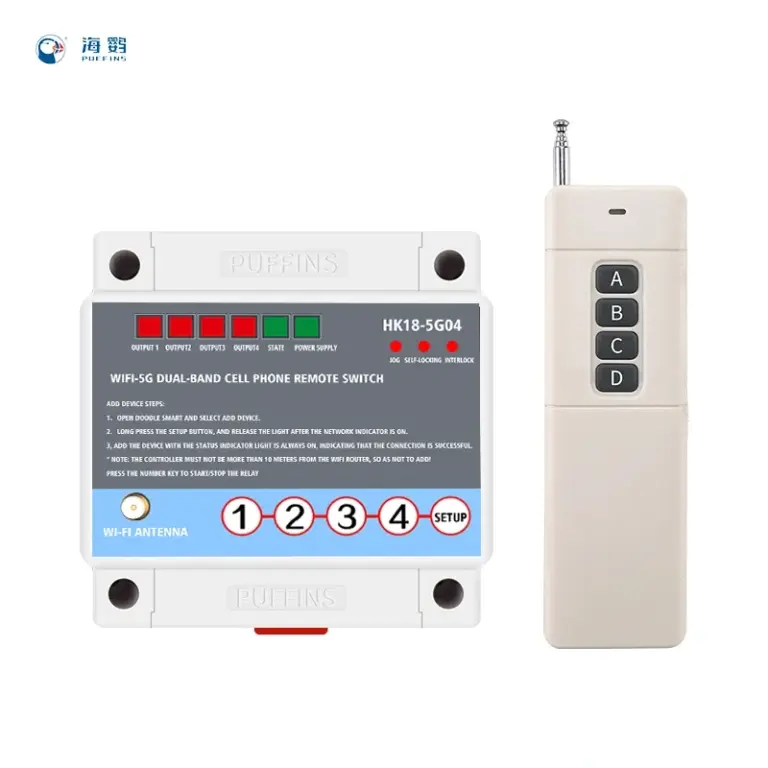
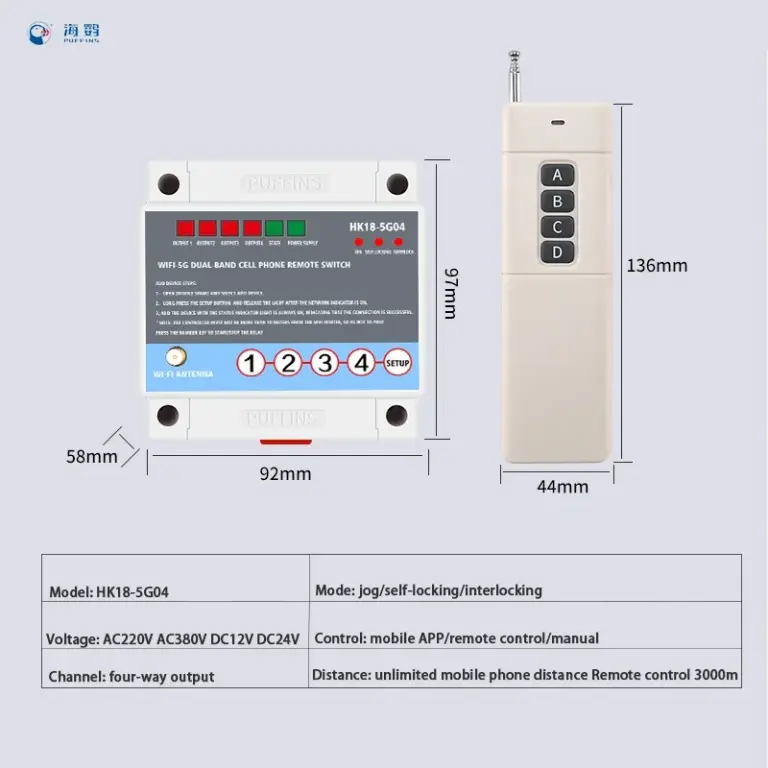
| Product Name | 2.4G/5G WiFi Remote Phone Centre Switch |
| Brand | PUFFINS |
| Model | HK18-S004 |
| Control Mode | Doodle Smart APP, voice, timer, manual, remote control (optional) |
| Operating Voltage | DC 9-30V, AC 220V, AC 380V |
| Control Current | <5A |
| Relative Humidity | <95% |
| Operating Temperature | -40℃ ~ 70℃ |
| Dimensions | 92 × 87 × 58 mm |
| Installation Mode | Rail mounting / Screw mounting |
Operation Description
Remote Control Learning
- With the power on, press and hold the Set key for 3 seconds. All three mode lights will turn on.
- Press any key on the remote control. Two of the mode lights will turn off, leaving only the current mode light on.
- Learning is complete. Ready to use!
Clearing the Code
With the power on, press and hold the Set key until the three mode lights flash three times. The code is cleared!
Note: The remote control has been paired with the switch at the factory, so no further pairing is needed.
Installation Notes
- This product can be wall-mounted. During installation, the device must be placed within 18 meters of the router.
- As long as the switch is connected to the Internet, phone control has no distance restriction.
- The remote control distance is a theoretical value. In actual use, interference from trees, buildings, high-voltage lines, and other sources typically reduces the range to 50%-80%, and obstacles will shorten it further. The actual distance depends on the environment.
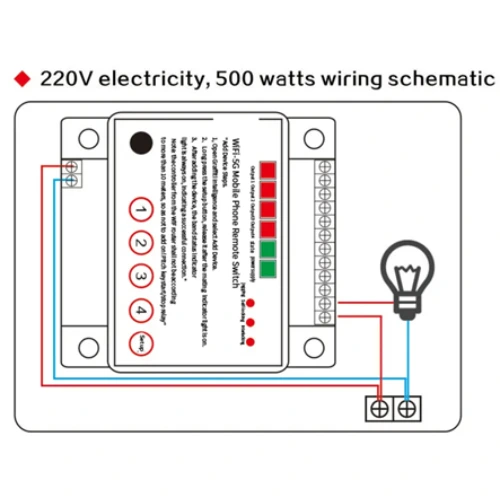
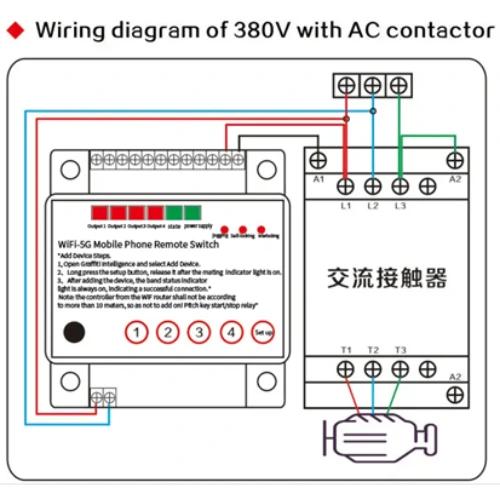
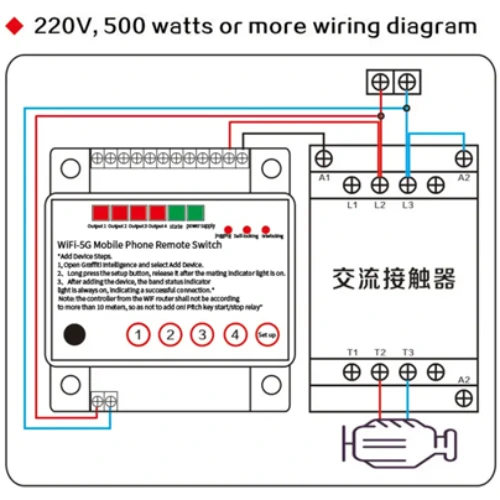
- Before networking, wire the device strictly according to the wiring diagram. The antenna must be installed!
- The switch must be activated the first time it is networked. Please refer to the indicator light status and solutions before starting the networking steps.
Wiring Diagram
The diagram shows only one channel as a demonstration. The other three channels are wired in the same way.
- Before wiring, check the voltage label on the left side of the product, then follow the wiring diagram for the corresponding voltage.
- Wire strictly according to the diagram. 220V and 380V must not be mixed, otherwise the consequences are at your own risk.
Safety Precautions
- Do not use this switch with equipment whose failure may endanger human life or cause a significant impact, such as medical equipment or large machinery.
- For equipment whose failure may cause major property damage, such as gas heaters or cold storage, make sure there is enough safety margin for voltage, overload, and performance, and add safety protection such as a double-circuit design.
- Do not repair, disassemble, or modify the switch yourself. Please entrust repair and inspection to the dealer or an installation company.
- Use the switch in an environment free of moisture, corrosive gas, and metal dust. Keep it away from places with strong remote control signal interference, such as high-voltage lines and large transformers.
- Do not touch the panel with wet hands.
- Do not install the switch in a wet area.