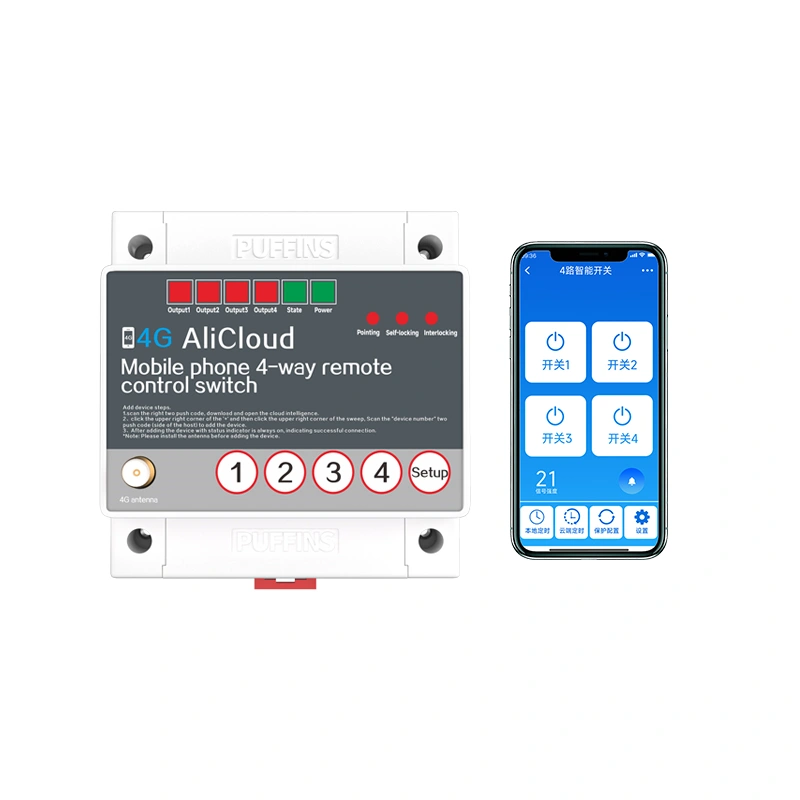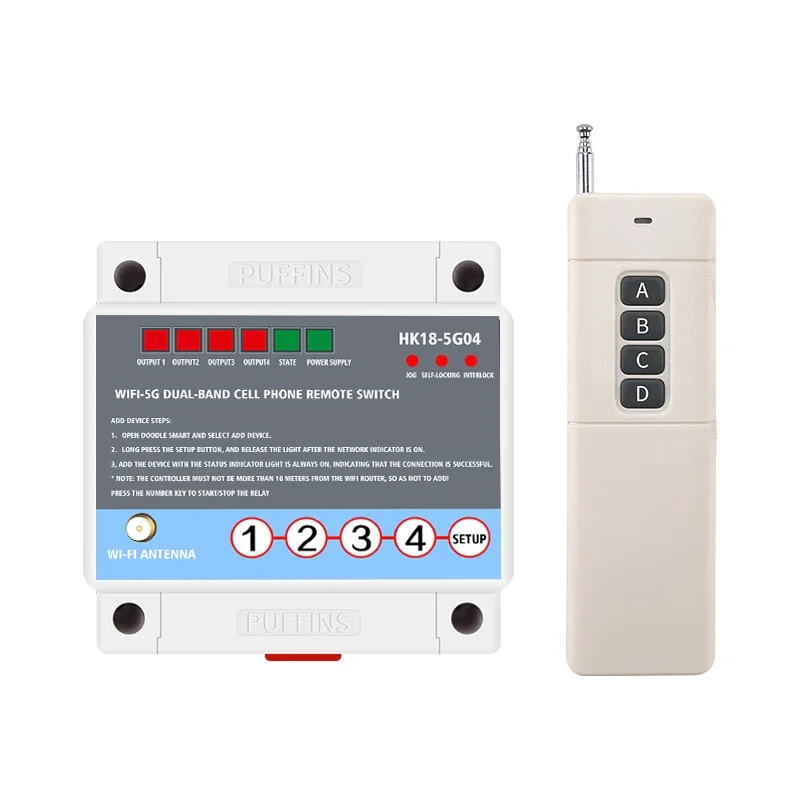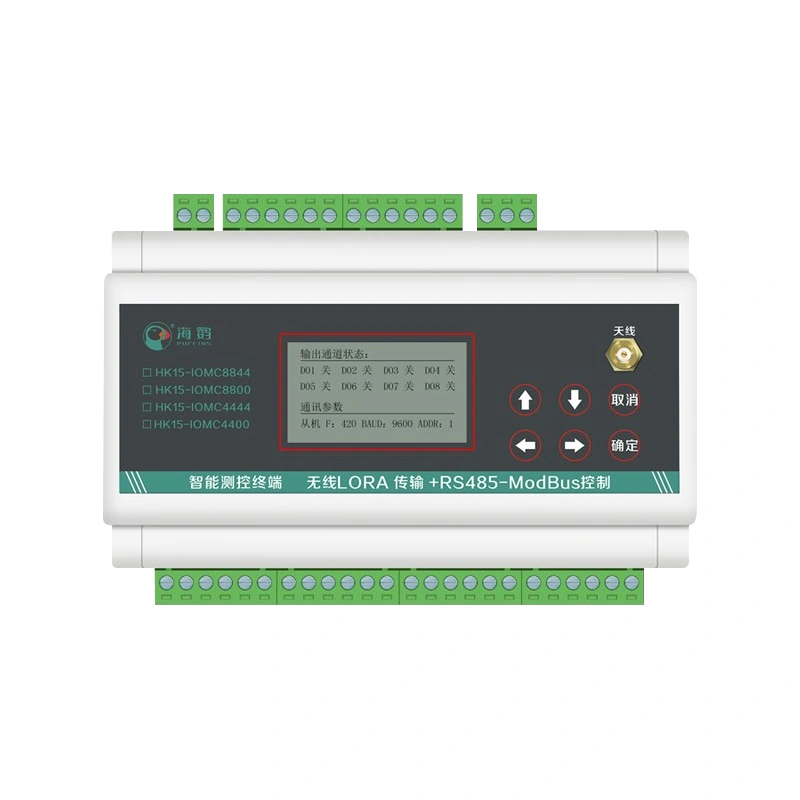
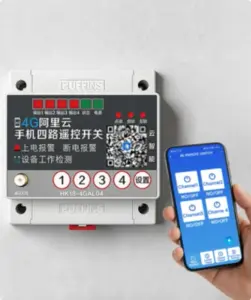
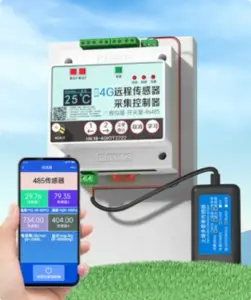
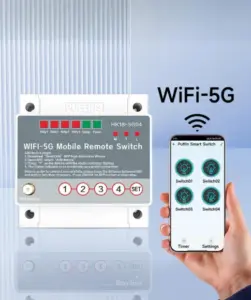
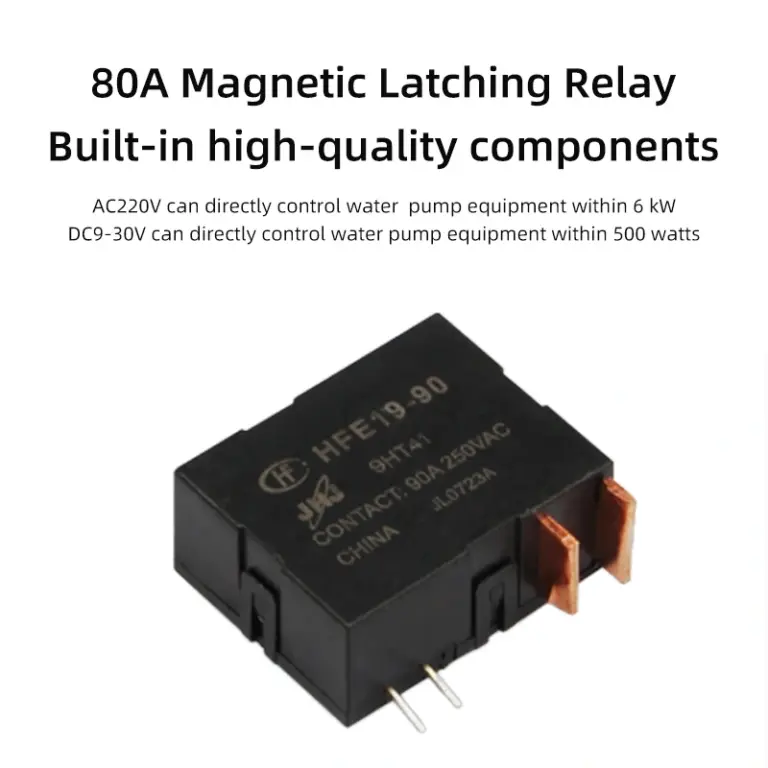
Product Application
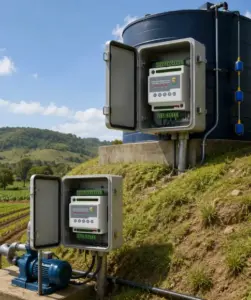
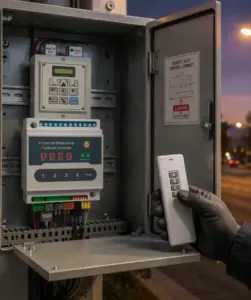
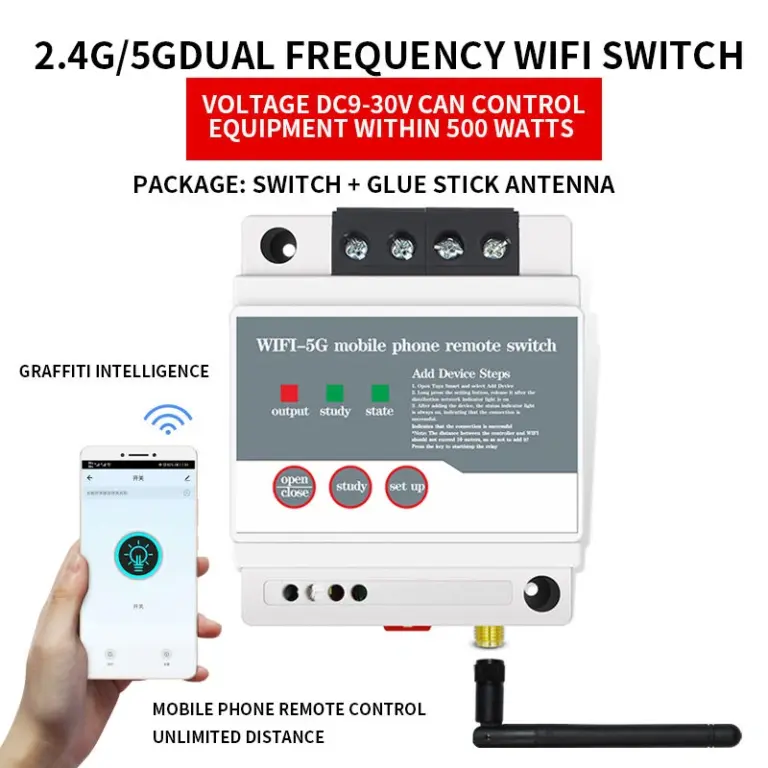
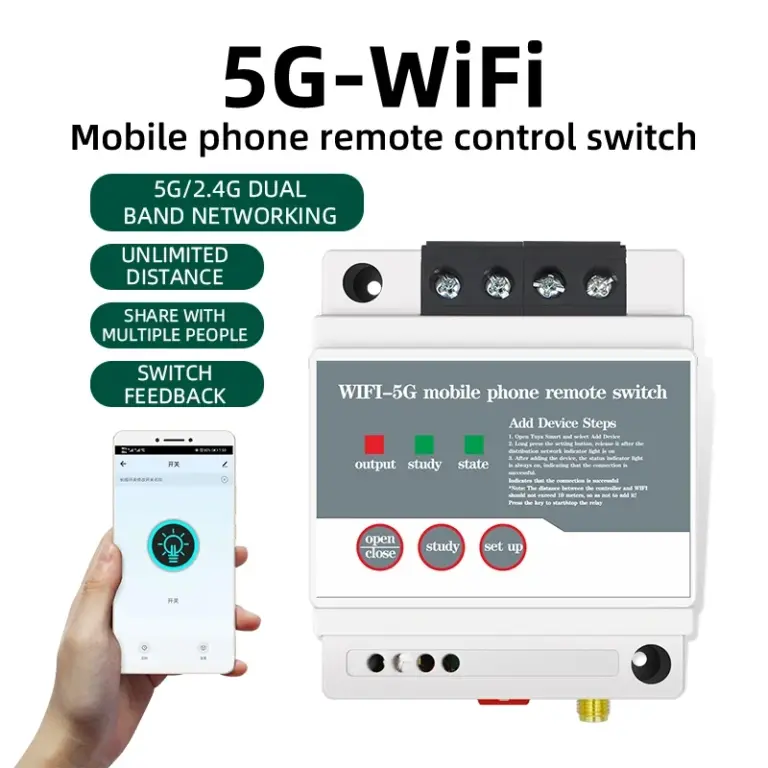
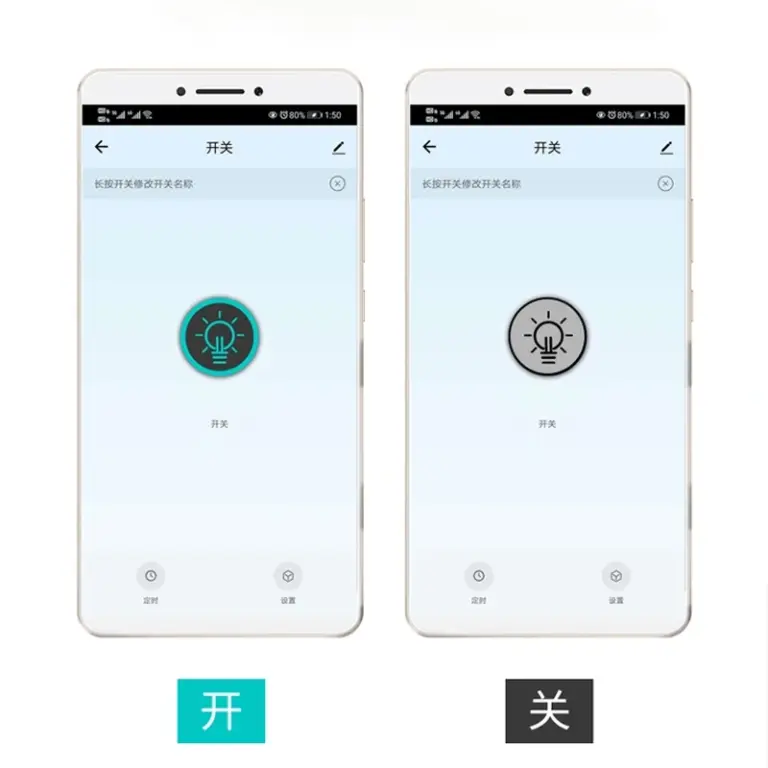
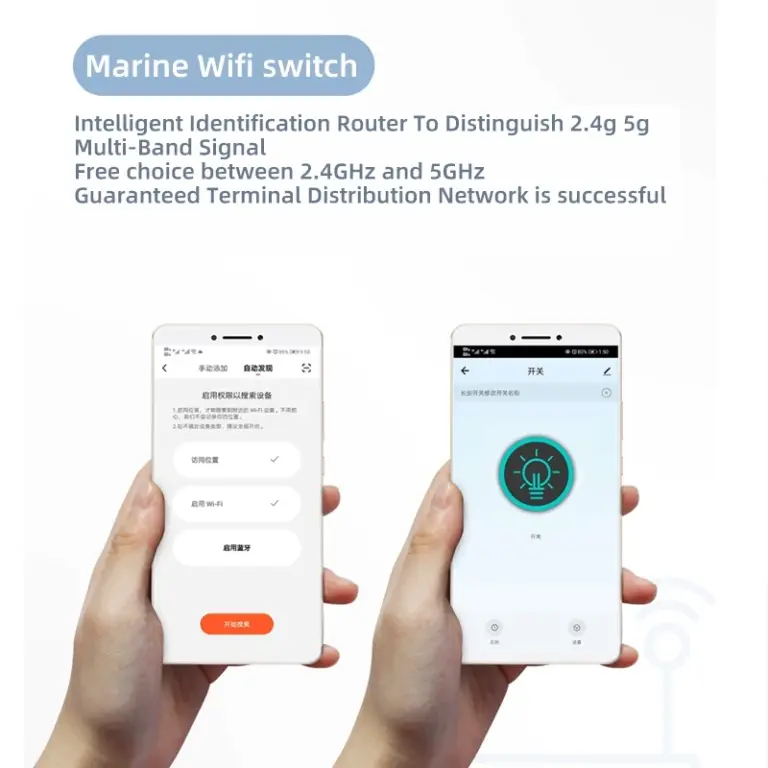
This product is a smart product, connected to WiFi use. It is mainly used for home appliances lamps and lanterns lighting occasions. You can use the Doodle smart APP control, voice control manual control and timing off. In addition, this product supports customization services, such as the need to contact customer service!
Product Features
- Unlimited distance
- WIFI connection
- Voice control
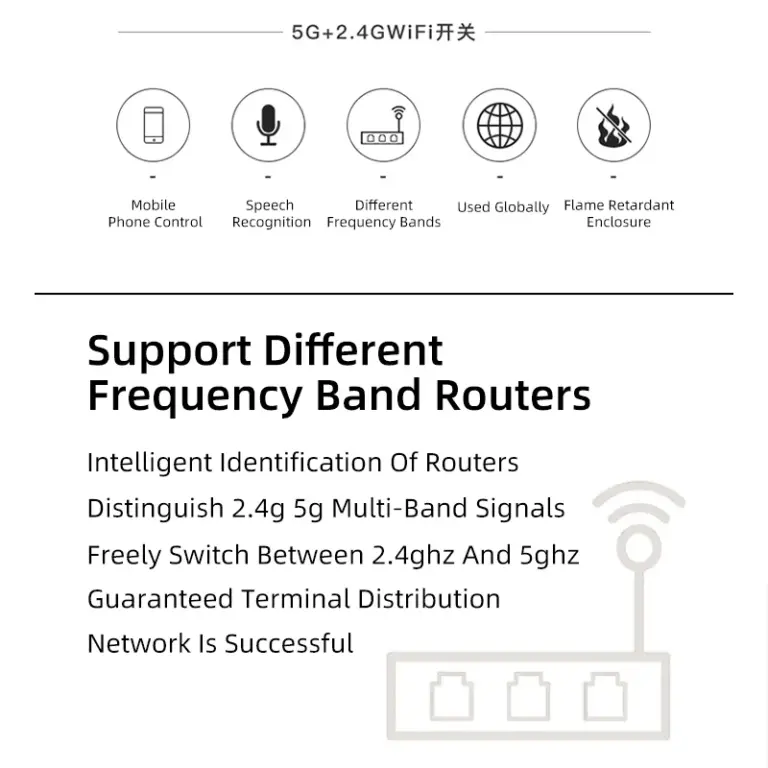
- Support different frequency bands
- Multiple control
- APP control
- Status feedback
- Globally available
Product Parameters
| Product Name | 2.4G/5G WiFi Remote Cell Phone Control Switch |
| Brand | PUFFINS |
| Model | HK12-WF16 |
| Control Mode | Graffiti Intelligent, Voice, Timing Remote, Manual Remote (optional) |
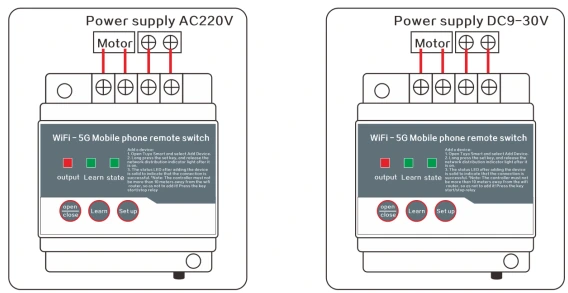
| Operating Voltage | DC 9-30V, AC 220V |
| Product Power | DC 9-30V: 500W; AC 220V: 6kW |
| Relative Humidity | <95% |
| Ambient Temperature | -40℃ ~ 70℃ |
| Dimensions | 92 × 72 × 58 mm |
| Installation Mode | Rail mounting / Screw mounting |
Operation Description
The remote control is pre-paired with the switch at factory; no re-pairing required.
Mode switching
In the case of power failure, press and hold the setting key to power on, the learning light flashes three times and then goes out, you can switch modes (pointing switch self-locking, self-locking switch pointing)
Power-on status description
Note: the default power-on state select power-off, you can choose other as needed, if the device works on long-term power, it is recommended to set the power-on power, to avoid unnecessary losses
Mobile Tap Settings
Turning on this feature will put the device in an automatic state:That is, each time the device is turned on, it will automatically turn off after running for a period of time. Set the time to tap before turning on the button.The time version is m/minute.
Particular Attention
- This product can be installed and used worldwide, the device needs to be placed within 90 meters from the router installation.
- As long as the switch can be connected to the internet, cell phone control without distance restrictions.
- Remote control distance is theoretical distance, the actual use of trees buildings, high-voltage lines and other environmental interference, general control distance of 30% -50%, there are obstacles to shorten the distance the actual use of distance according to the environment.
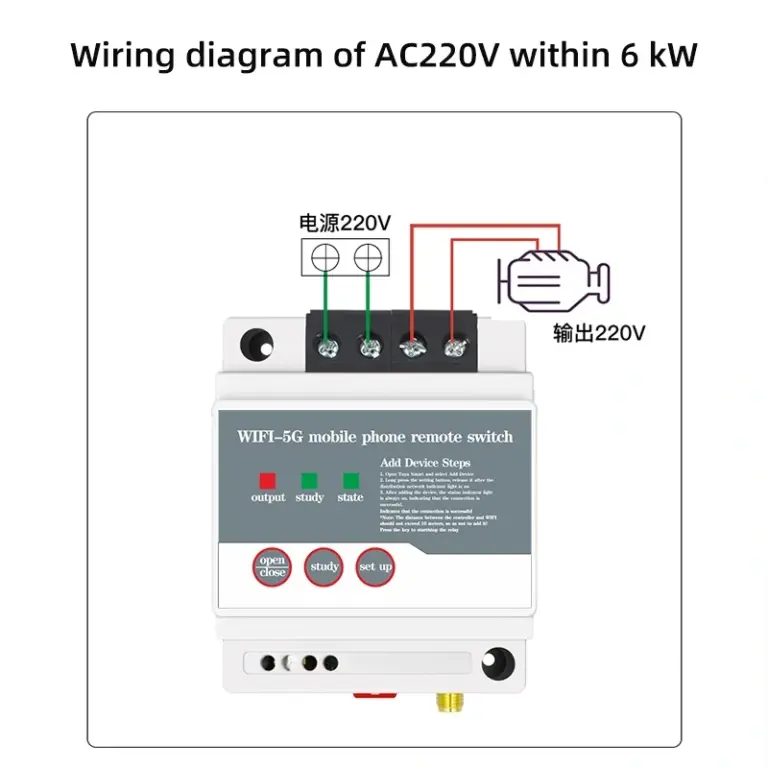
- Before networking the device, please strictly follow the instructions wiring wiring, must add the antenna!
- The switch needs to be re-networked for the first time after the installation, press&reset to the state light status and solution below the networking tips.
Matters Needing Attention
- For the equipment that may cause accidents related to human life or have a significant impact on the load during the use of the timer switch (medical equipment and large equipment) Do not use this switch.
- When using this timer switch, please make sure that the characteristics and performance of the timer switch have suited to the load of the user or the load and working conditions, etc. Make sure that the timer switch have suited to the characteristics of the timer switch, and take safety measures such as double circuit.
- Do not repair, disassemble or modify the product by yourself. Please entrust the repair and inspection work to the dealer or the construction company.
- The switch should be operated in an environment free of moisture, corrosive and metallic gas, etc. Keep away from flammable and explosive materials, and keep away from the remote control antenna such as high-voltage lines and large interference.
- Do not touch the terminal part while power is on.
- Do not exceed the rated power of the product.