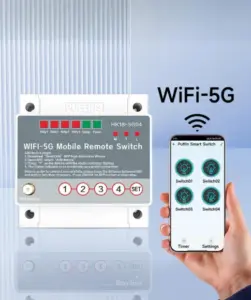
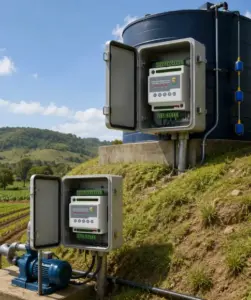
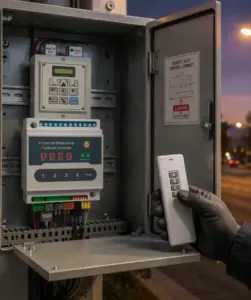
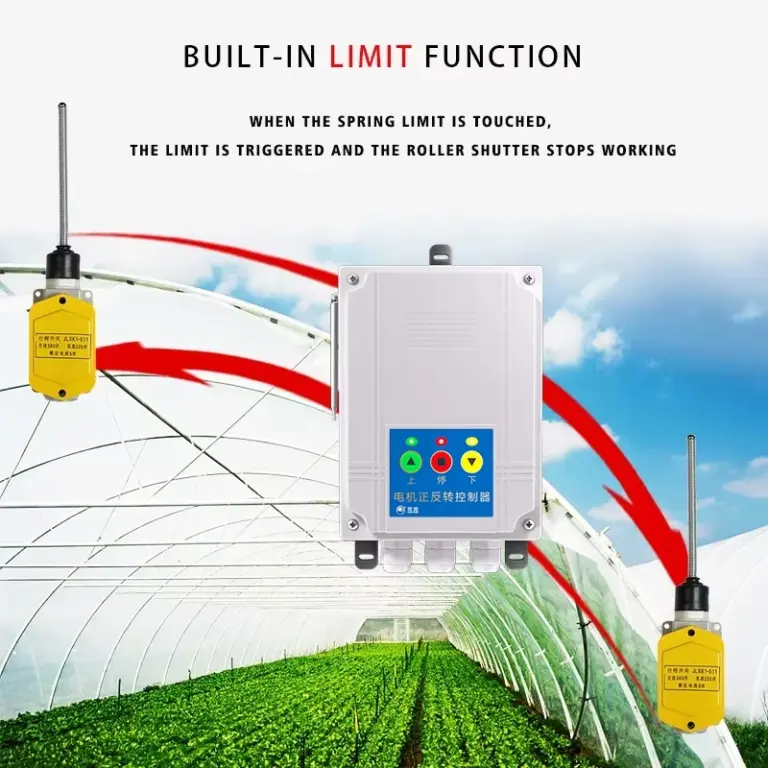
Product Application
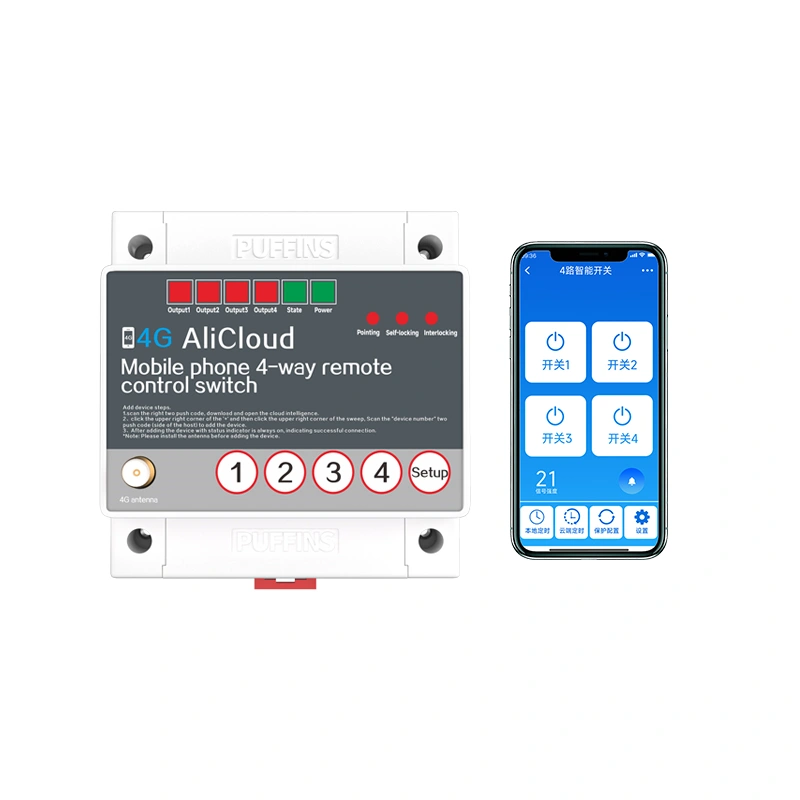
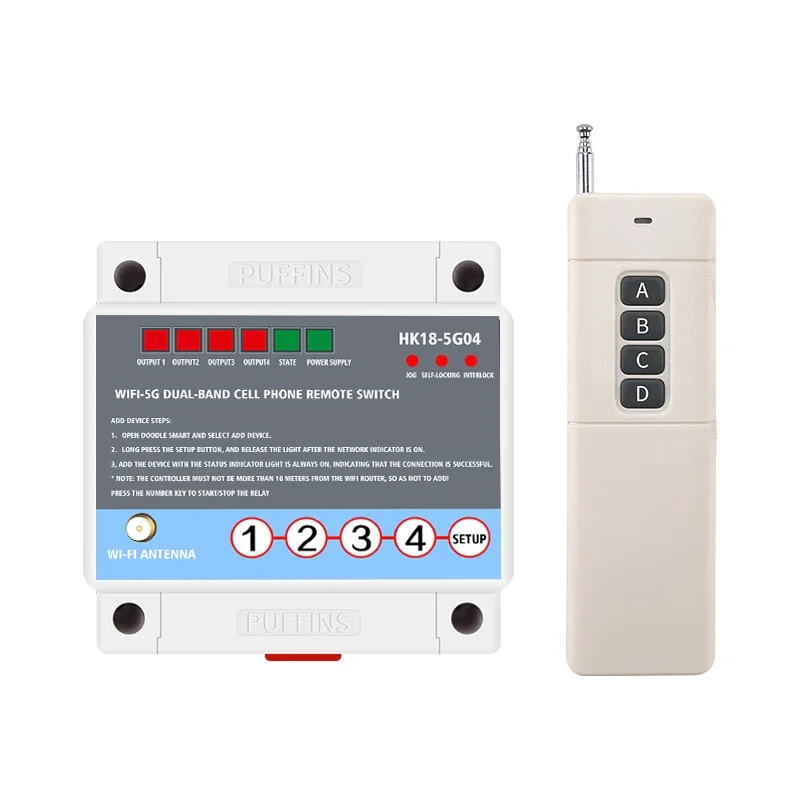
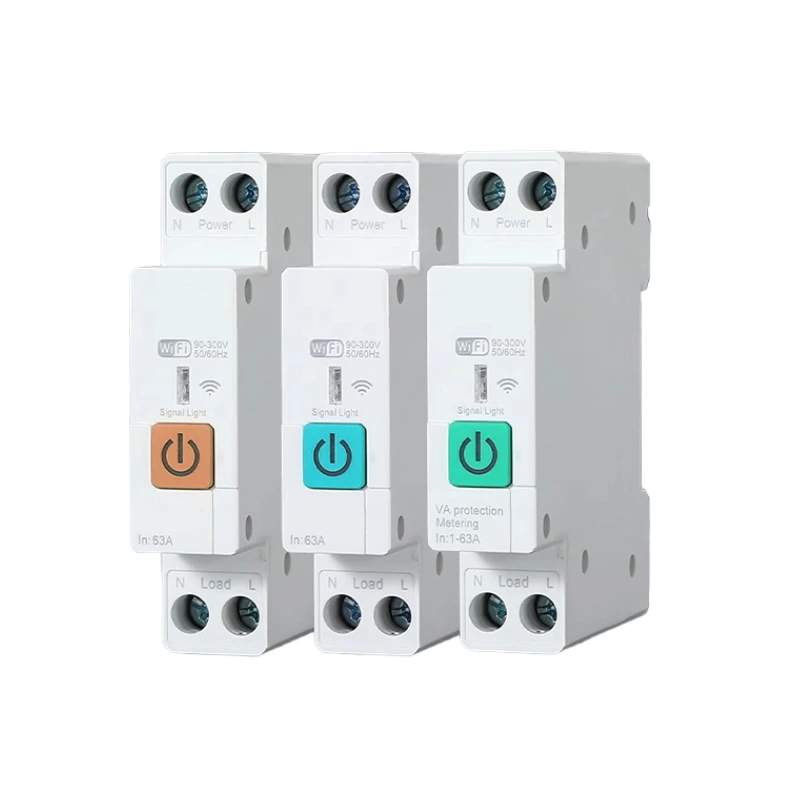
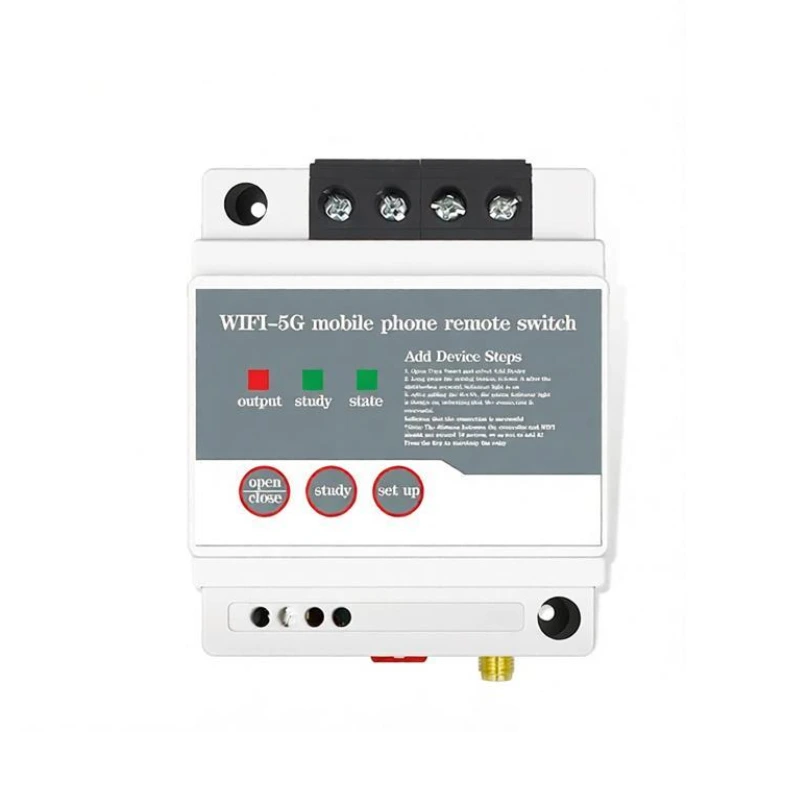
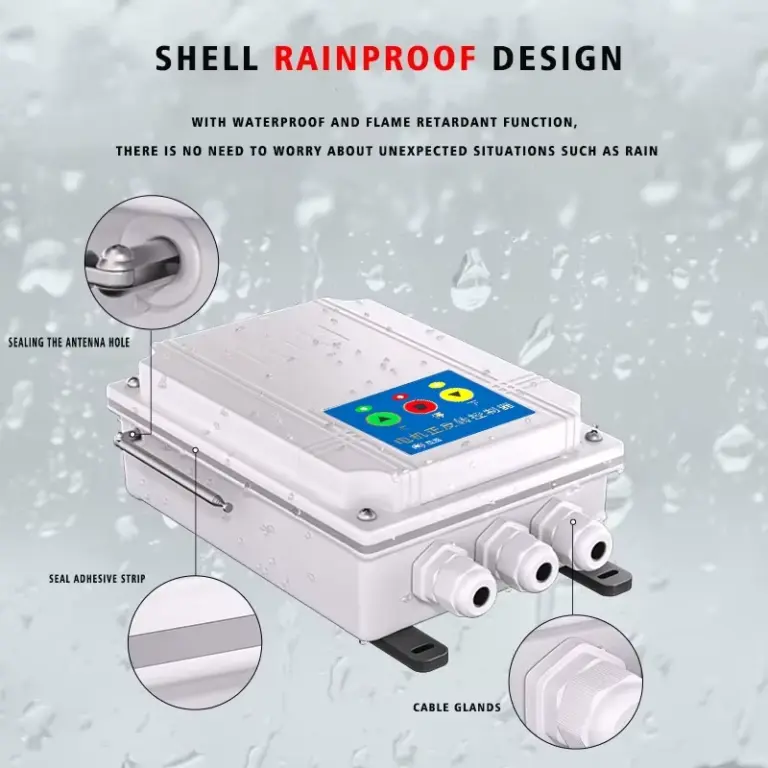
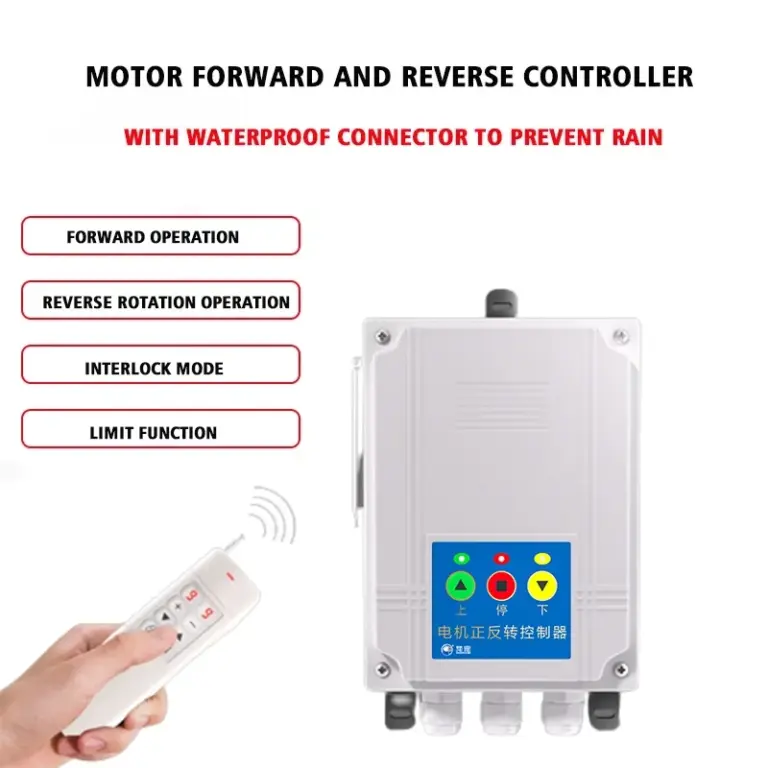
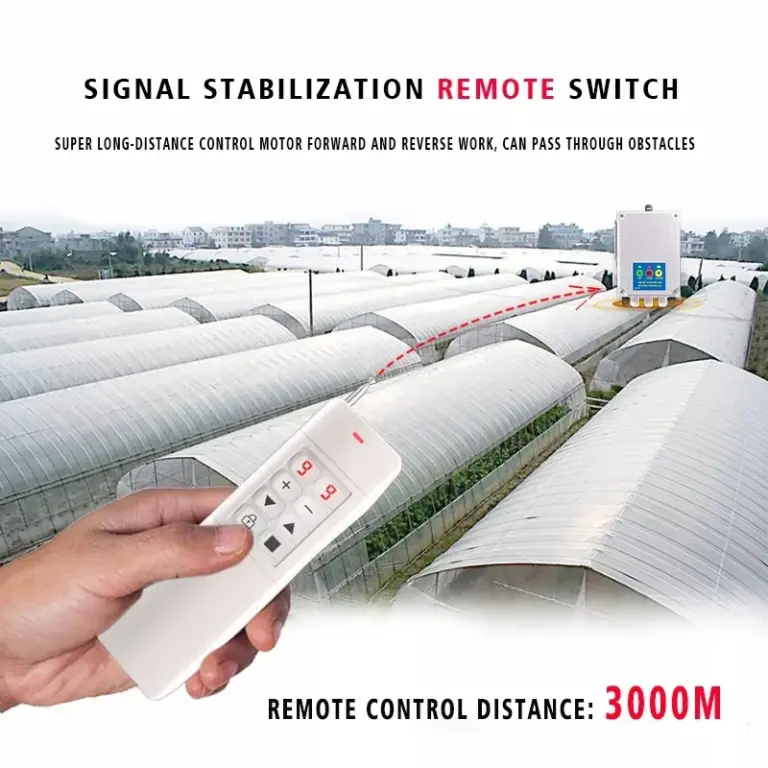
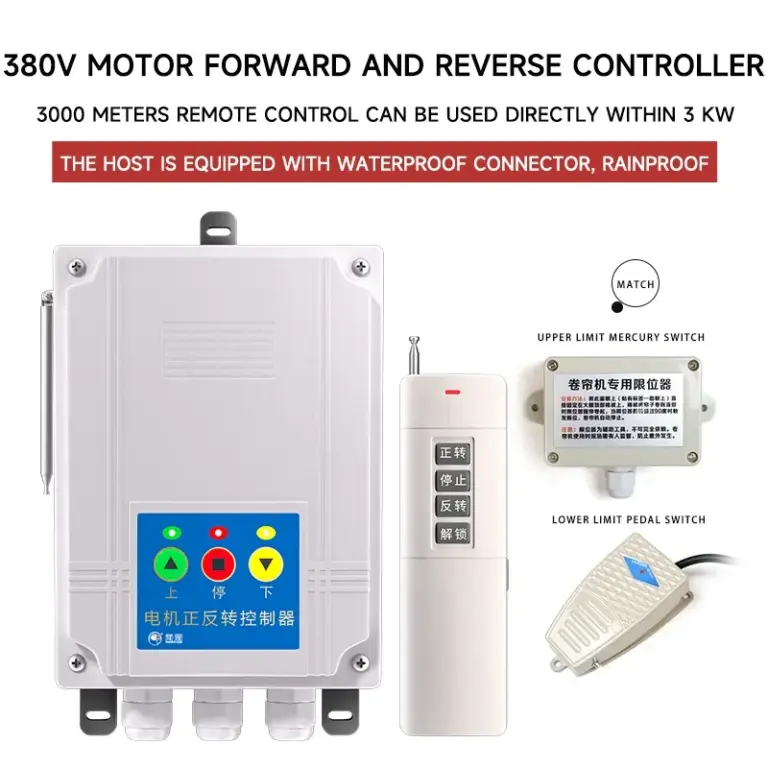
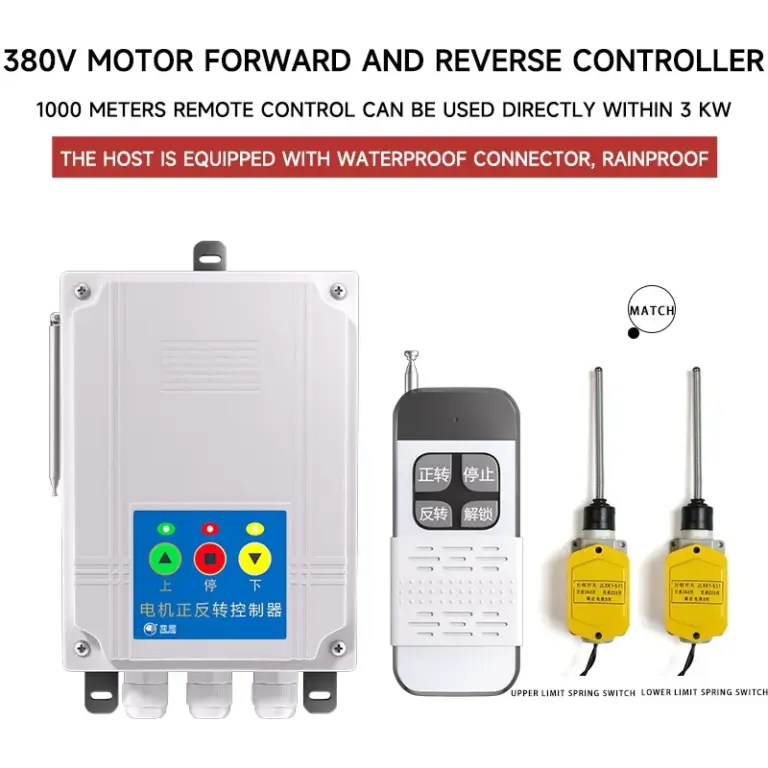
This product can turn on and off the power of various forward and reverse equipment according to user requirements. It is mainly used for greenhouse shuttering machine, manure scraper, feeder, lifting equipment, etc. In addition, this product supports customised service, if necessary, please contact customer service!
Product Parameters
| Product Brand | PUFFINS |
| Product Name | Greenhouse Curtain Forward-Reverse Controller |
| Product Model | HK-ZF320R |
| Control mode | remote control, manual, limit position |
| Working voltage | AC380V |
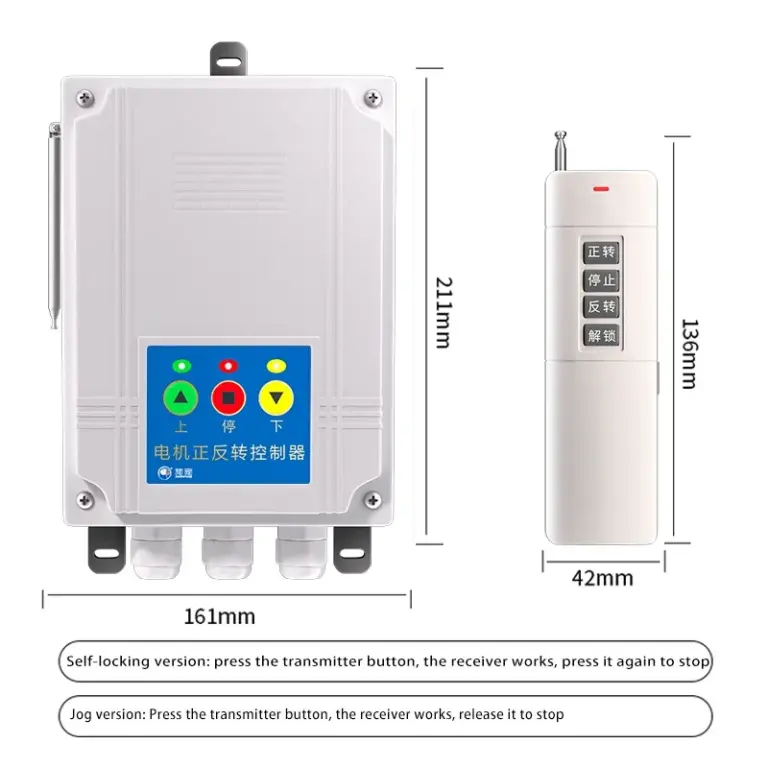
| Working mode | point action, self-locking |
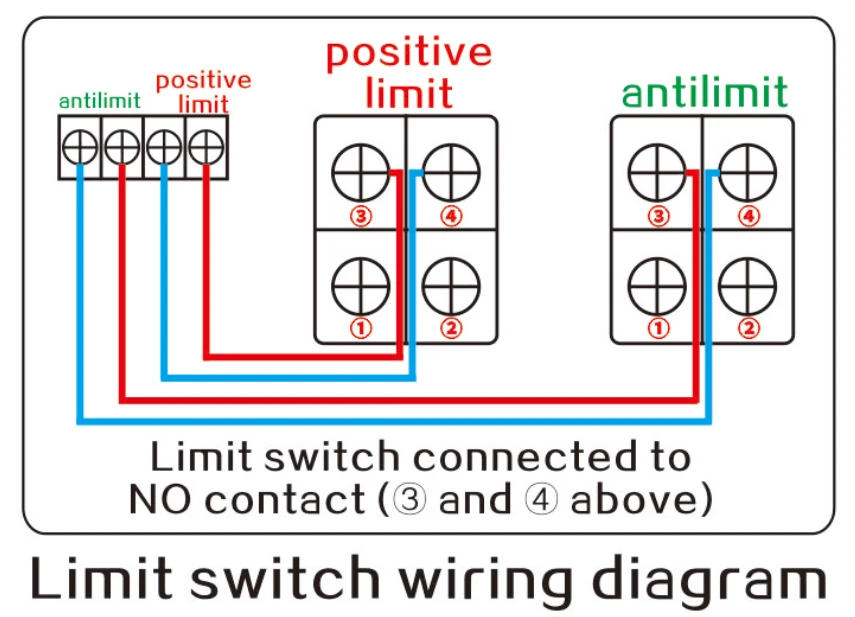
| Limit interface | normally open type |
| Rated power | <3kW |
| Relative humidity | <95% |
| Ambient temperature | -40°C~70°C |
| Host size | 161*211*70mm |
| Mounting | Screw mounting |
Product Features & Advantages
Operation Description
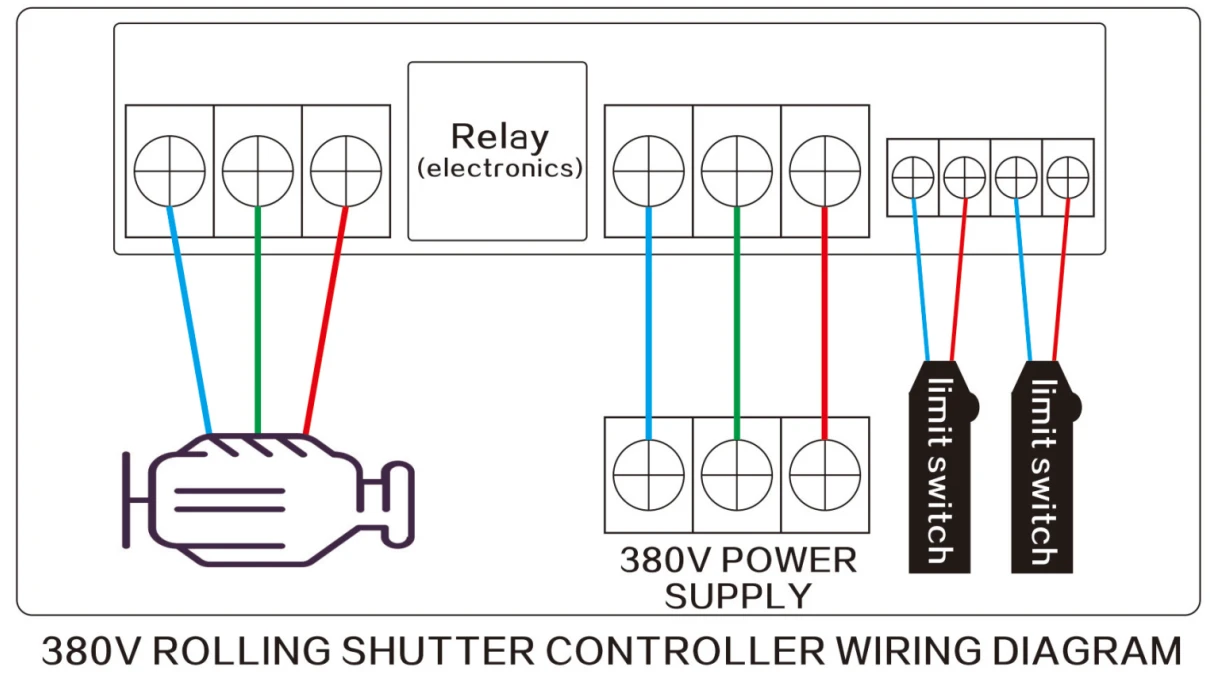
This product can be used by connecting the power supply, motor and limit switch according to the wiring schematic provided by our company. (No need to match the remote control)
Control Method
Working Mode Switching
Push/lock button inside the housing. Buttons in the bias of pointing for pointing mode, buttons in the bias of self-locking mode for self-locking mode.
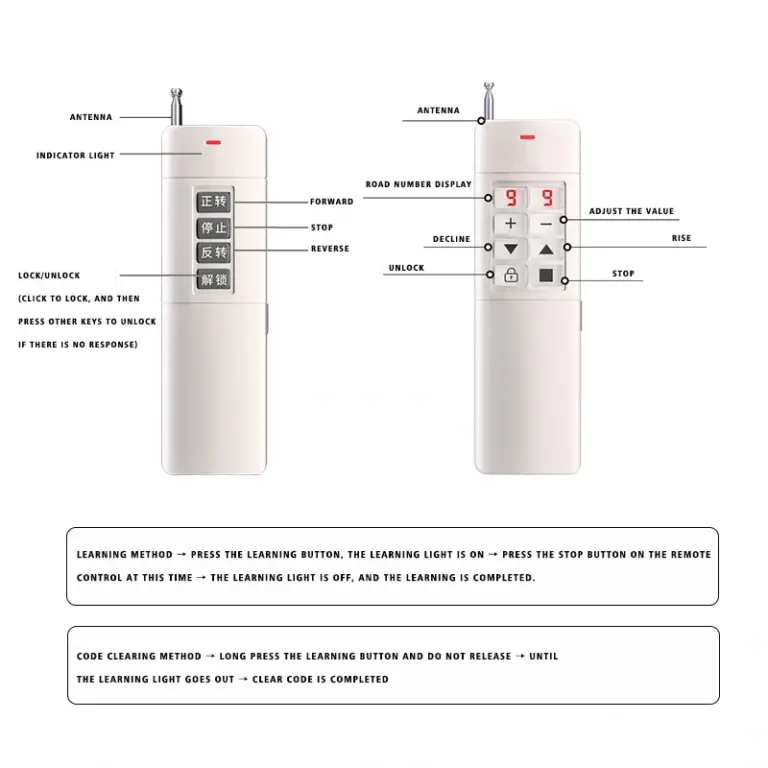
Remote Control Learning and Code Clearing
- Learning method: Turn on the power, press the learning button, the learning light is on, at this time press the remote control stop button, the learning light is off, power off and on again, you can use the remote control.
- Clearing method: Turn on the power, press and hold down the learning button until the learning lamp goes out, power off and on again, you can clear the remote control which has been learnt by this controller.
Controller Lock and Unlock
Unlocked: Tap the self-locking status light flashes to indicate that it is unlocked and the remote control (panel keys) can be operated.
Locked: Tap the self-locking status light to indicate locked, the remote control (panel buttons) can not be operated.
Unlocked: Long press the remote control stop button (panel stop button) for three seconds, pointing self-locking status light resumes flashing.
Product Connection
Matters Needing Attention
- Note: This product has a locking function, three minutes without operation switch automatically locks to protect your equipment safety.
- This controller must be equipped with a circuit breaker at the front end to disconnect the main power supply when it is not in use, to prevent accidents from occurring!
- For equipment (e.g., medical equipment, large equipment, etc.) that may be involved in a life-related accident or have a significant impact on a trial due to an error in the timer switch, please contact us. Do not use this timer switch.
- When using this timer switch (e.g., heaters or cold rooms, etc.), be sure to make sure that the features and functions of the timer switch have sufficient margins for characteristics and performance values, and take safety measures such as double circuits.
- Do not repair, disassemble, or modify the product yourself. Repair, inspection, etc. must be entrusted to the dealer or the company in charge of the work.
- The switch should operate in an environment free from moisture, corrosion, and high metal content gases. Stay away from places where high voltage lines, large transformers, and other remote signal interferences may occur.
- Do not touch the terminal section when the power is turned on.
- Do not expose this switch to oil or water.