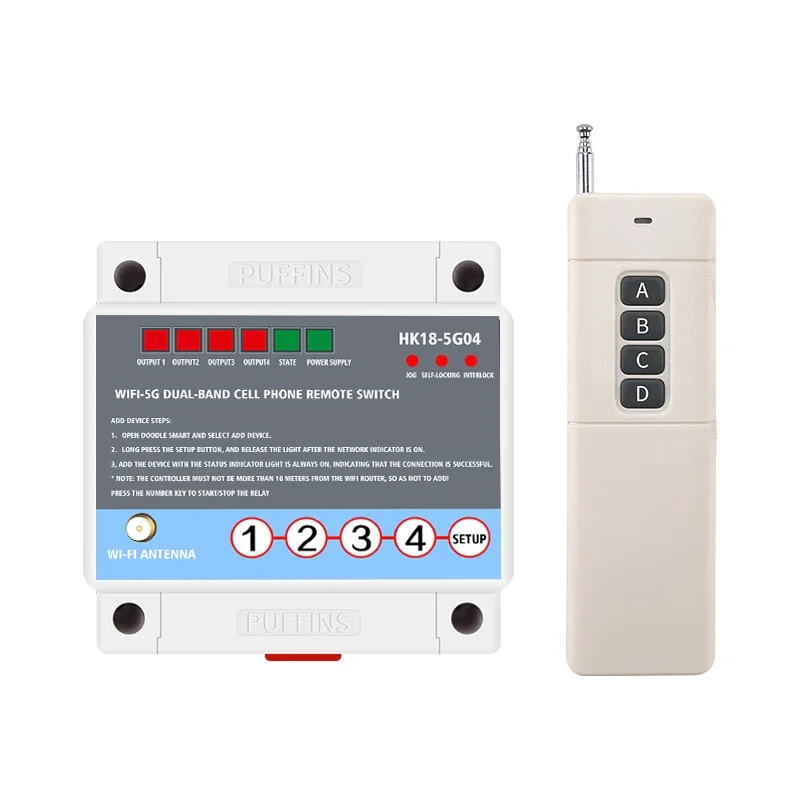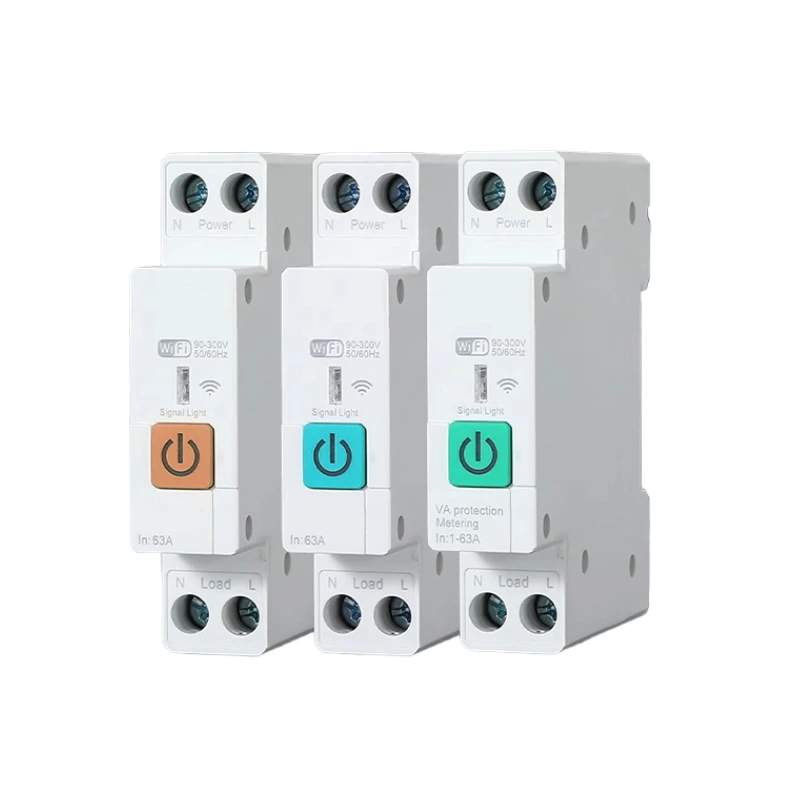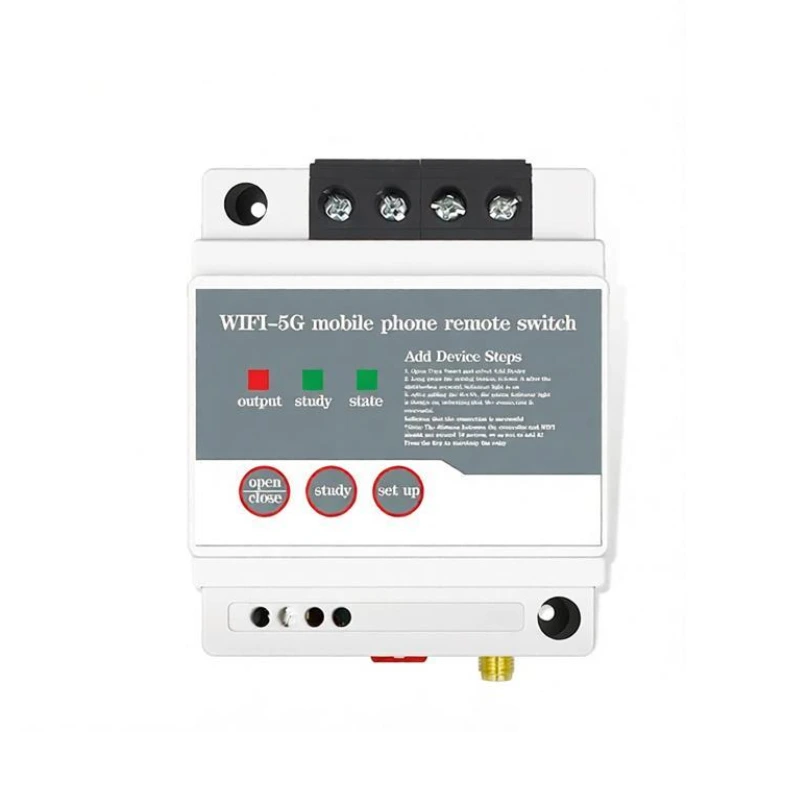

Product Use
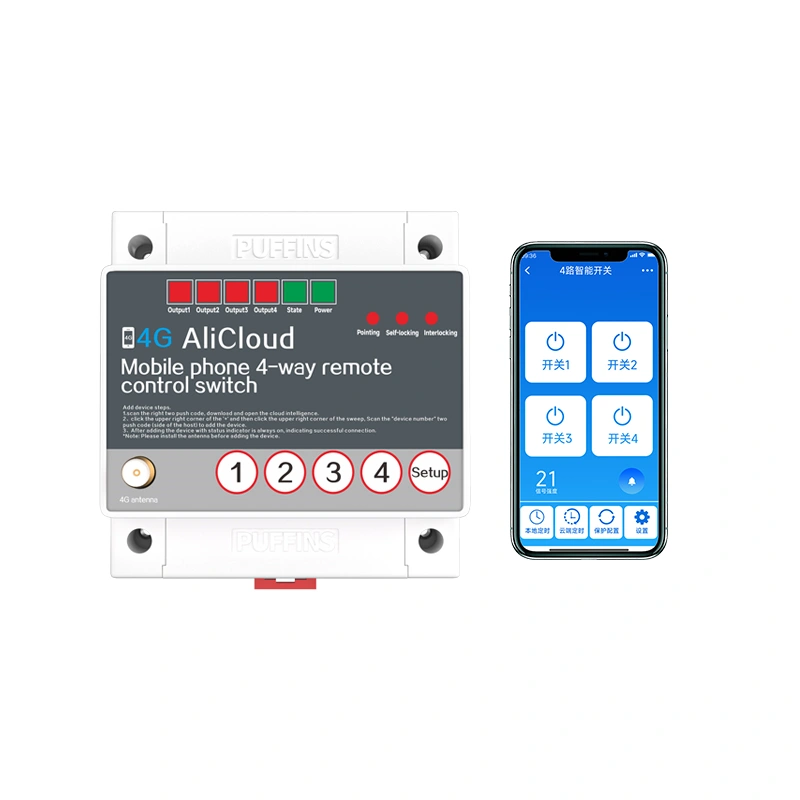
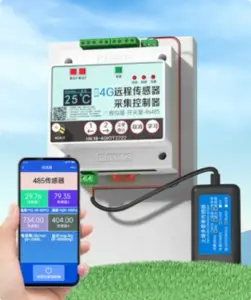
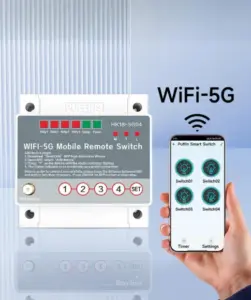
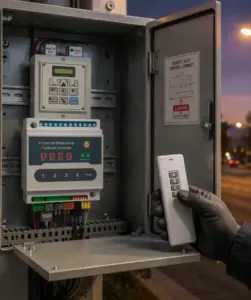
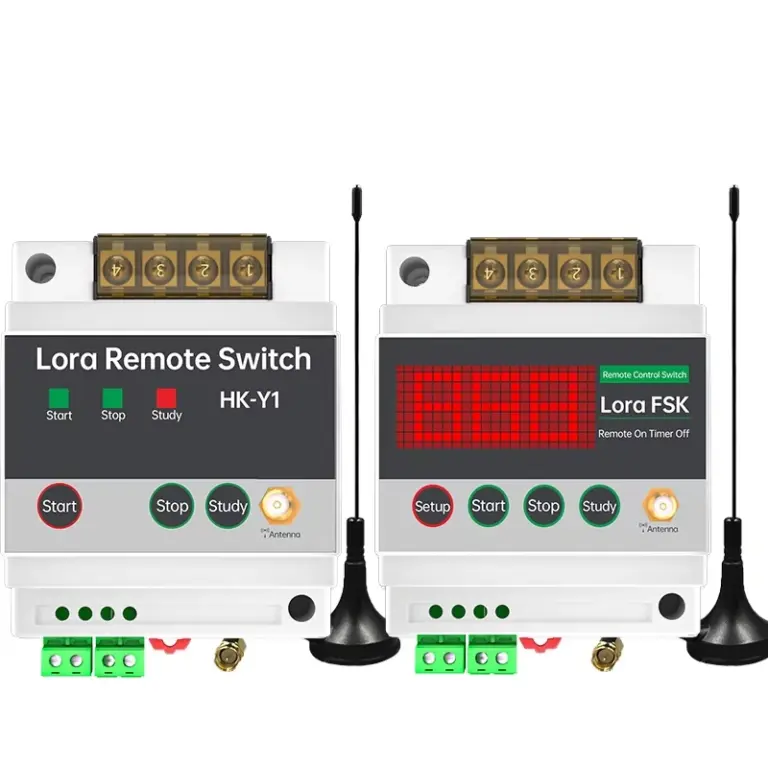
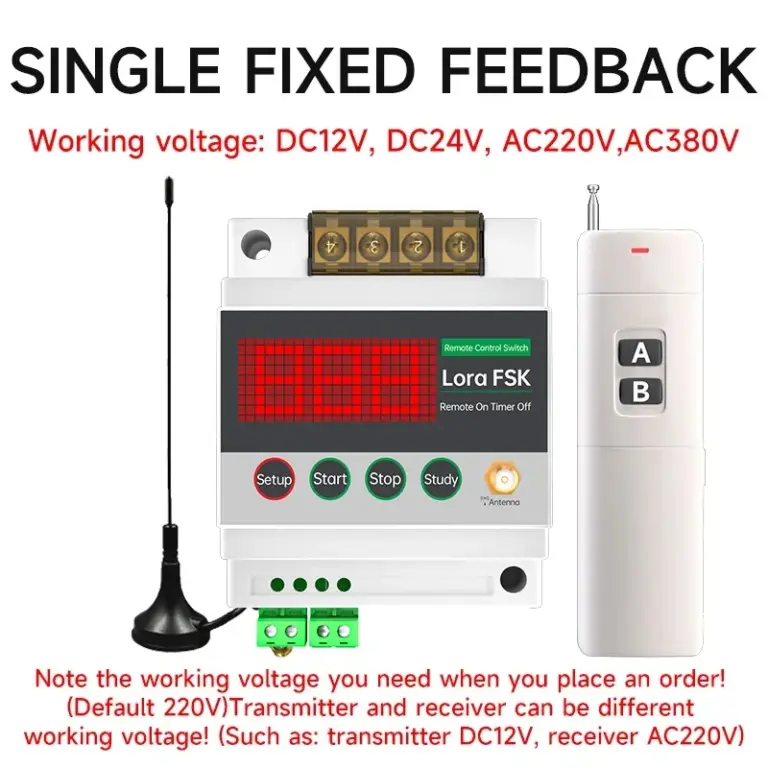
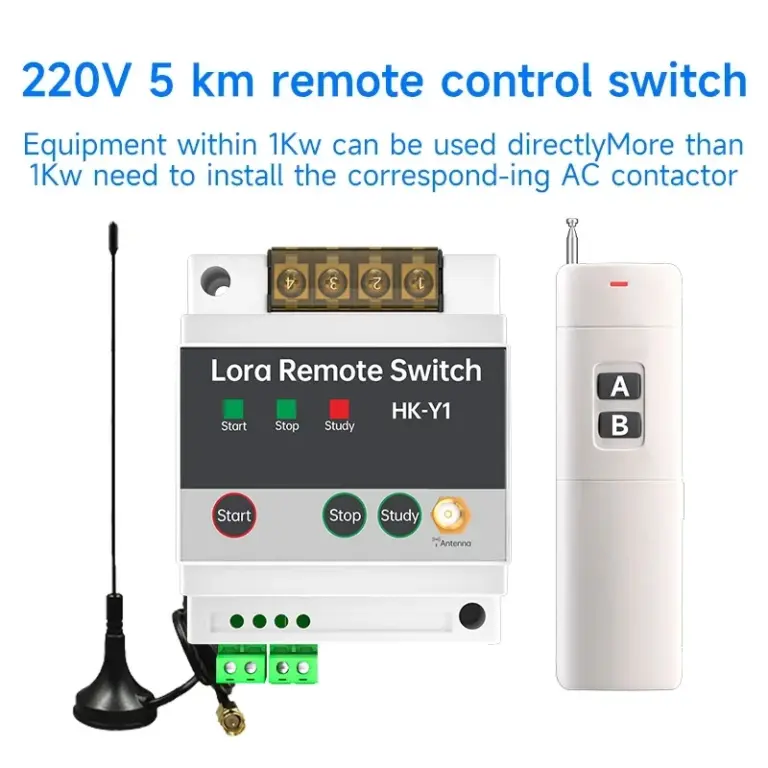
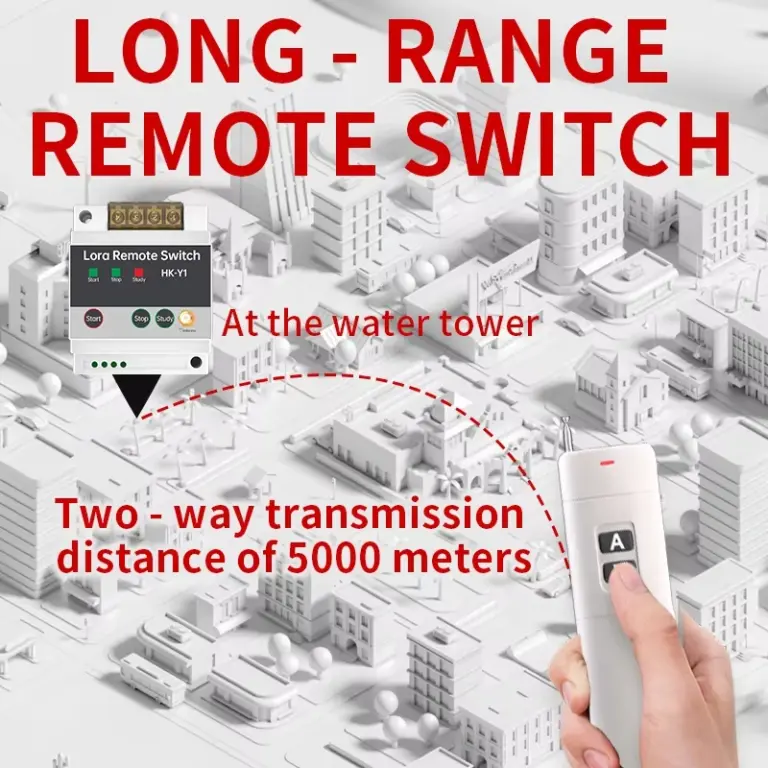
This product can turn on and off the power of various electrical devices according to user settings. The controlled objects can be street lamps, neon lights, advertising sign lights, production equipment, motors, water pump equipment, and all other electrical and household appliances. In addition, this product supports customized services. Please contact customer service if needed!
Product Parameters
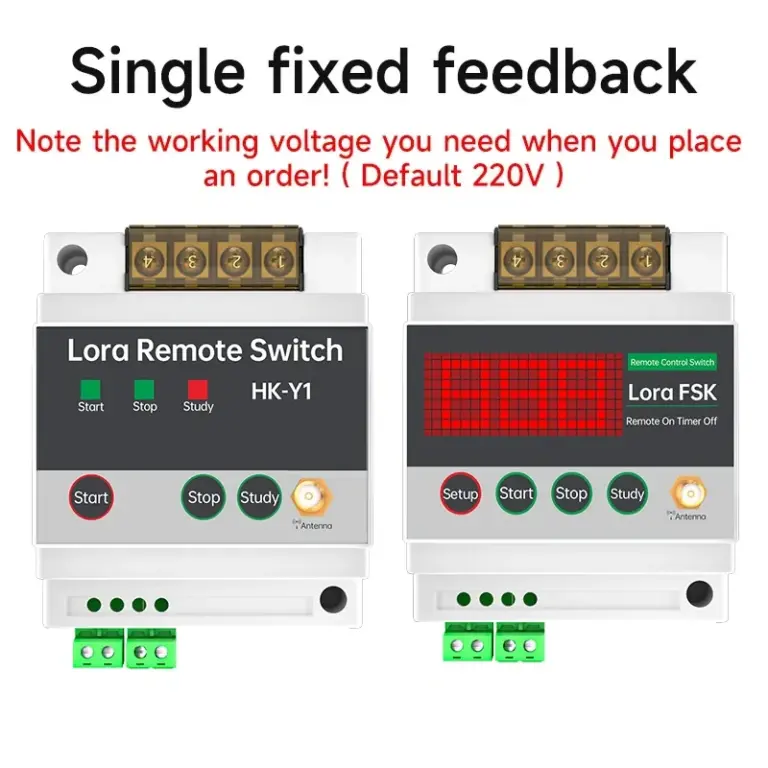
Single feedback transmitter
| Product brand | PUFFINS/Puffin |
| Product model | HK-FKGD10 |
| Working voltage | 12V, 24V, 220V, 380V |
| Environmental temperature | -40°C~70°C |
| Relative humidity | <95% |
| Transmission frequency | 433MHz (420MHz~450MHz) |
| Launch method | LORA |
| Output mode | active output |
| Host size | 92*72*58mm |
| Installation method | rail installation/screw installation |
Single channel feedback receiver
| Product brand | PUFFINS/Puffin |
| Product model | HK-FKGD10 |
| Working voltage | 12V, 24V, 220V, 380V |
| Environmental temperature | -40°C~70°C |
| Relative humidity | <95% |
| Transmission frequency | 433MHz (420MHz~450MHz) |
| Launch method | LORA |
| Output mode | active output |
| Host size | 92*72*58mm |
| Installation method | rail installation/screw installation |
Instructions for Use
Self locking version
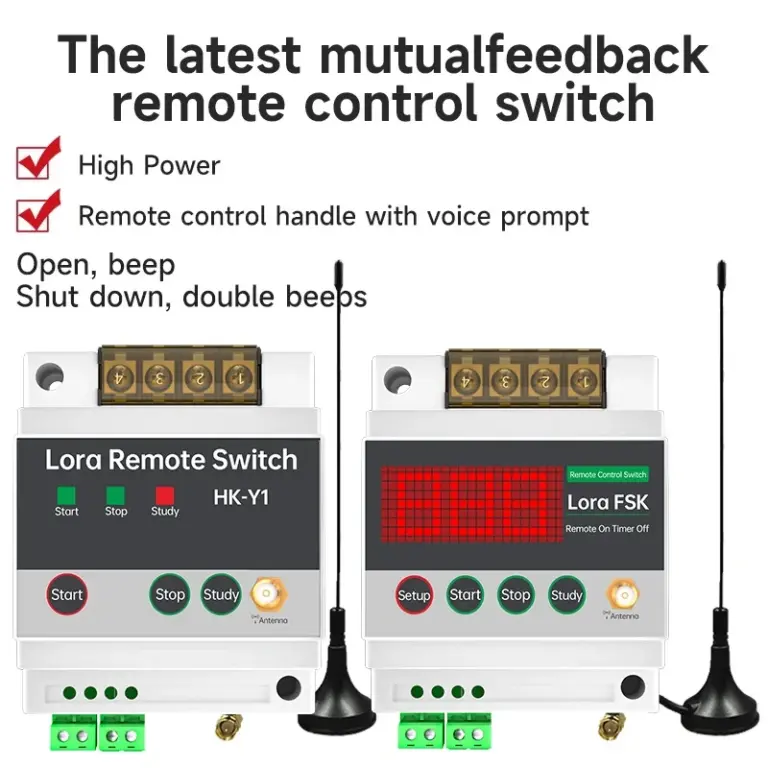
When the transmitter receives a start signal from a button or external trigger, it sends an instruction to make the receiver work; When the receiver completes an action, it returns the executed action; After receiving this command, the transmitter starts its own output. Alternatively, by connecting an external button, the receiver will stop working.
When the transmitter receives a button or externally triggered shutdown signal, it sends a command to turn off the receiver; When the receiver completes the shutdown, it returns the closed action; After receiving this command, the transmitter shuts down its own output. After pressing the stop button on the receiver, the stop status needs to be synchronized with the transmitter.The external terminal has a start stop function. When the start terminal is short circuited, the controller sends a signal to make the receiver work. When the stop terminal is short circuited, the controller sends a command to make the receiver stop working
Diandong version
When the transmitter receives a start signal triggered by the start button or external start, it sends an instruction to make the receiver work; When the receiver completes the action, it returns’ executed ‘
After completing the action, the transmitter starts its own output upon receiving this command.
When the start signal at the transmitter end is constantly present, it sends a signal to the receiver.Short circuit the start terminal, the controller sends a signal to make the receiver work, disconnect the start terminal short circuit, and the controller makes the receiver stop working
Product Features
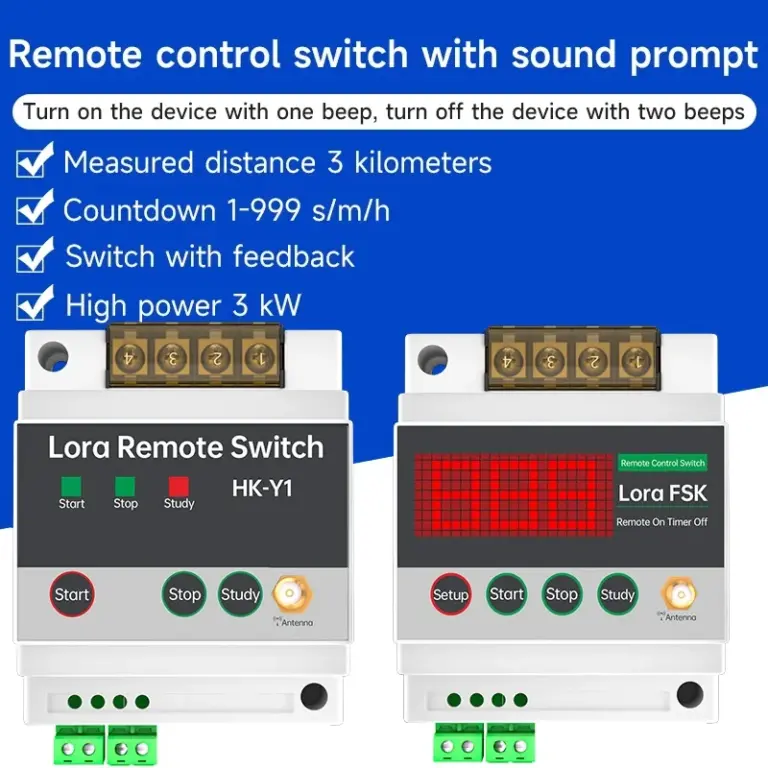
- High sensitivity encrypted wireless communication technology
- Transformer voltage reduction, internal switch power supply effectively filters out power clutter, making the receiver work more stable and reliable
- Relays only have normally open source contacts for output, making them more flexible and convenient to use
- Adjustable frequency 420-450 optional
- Communication error correction functionFree exchange of speed and distance parameters
Receiver Settings
Press the settings button to save data and exit. Press the settings button
Press and hold the receiver settings button during power on to activate the function, and press the start button to enter the function; Press the settings key to shift, press the start key to adjust the size;
F01 channel switching: 1-16 (420MHz, 422MHz, 424MHz… 450MHz; default channel 1)
F02 mode switching: 1 represents jog mode, 2 represents self-locking mode (default is jog mode)
F03 time distance parameter: 1-12 default value is 12. If the power supply is not restored, the transmitter will turn off the output and the device will be powered off.
F04 time unit: 1 represents second version, 2 represents minute version, 3 represents hour version (default is second version)
F05 communication error correction time: 0-99 seconds (default 60 seconds). In jog mode, if the transmitter suddenly loses power, within 60 seconds
F06 running time: 0~999 (0 value disables countdown function; default is 0, when>0, it forms the countdown time value together with the countdown unit)
F07 device type: 1 remote control, 2 mutual control slaves, 3 mutual control hosts, 4 synchronous slaves, 5 synchronous hosts
F08 software version (V100) remote control, press the settings button twice to exit, learning completed
Paired learning: Press and hold the learning button, and three red bars will appear on the display screen. Release them, then press the remote control to turn on and off simultaneously, and the three red bars will flash and releaseCode clearing method: Long press the learning button to display three red bars that do not release, wait for the three red bars to turn off, and the code clearing is complete
Matters Needing Attention、
- For equipment that may cause life-threatening accidents or have a significant impact on the audit due to timing switch errors (such as medical equipment and large equipment), please do not use this timing switch.
- For equipment that has suffered significant property damage due to timing switch errors (such as large heaters or cold storage facilities), when using this timing switch, please make sure to use its characteristics
- There is sufficient margin for performance values, and safety measures such as double circuits are taken.
- Please do not repair, disassemble or modify on your own. Repair, inspection and other work must be entrusted to dealers or construction units.
- This switch operates in a gas environment free from moisture, corrosion, and high metal content. Stay away from places such as high-voltage lines and large transformers that may interfere with remote control signals.
- Do not touch the terminal part after connecting the power.Do not allow this switch to be contaminated with oil or water.
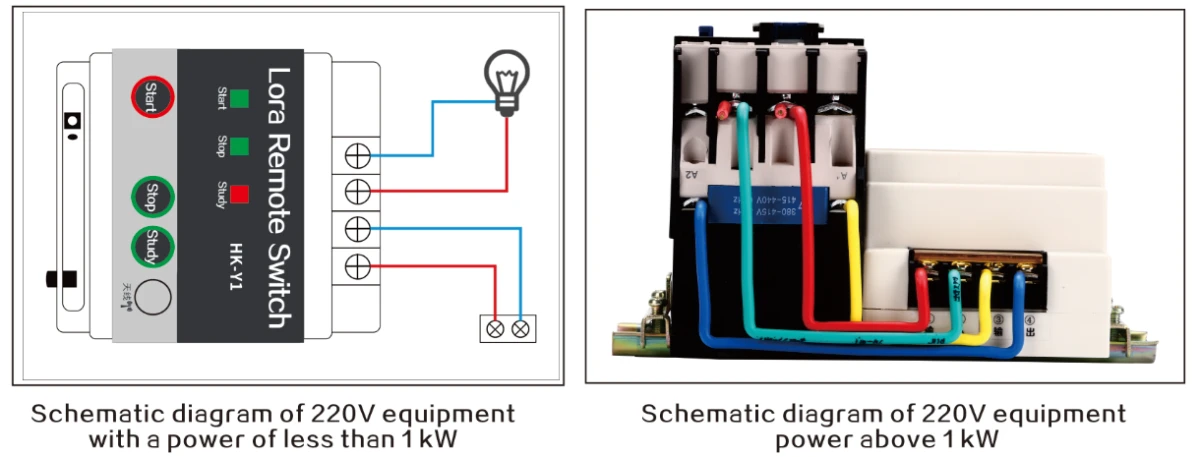
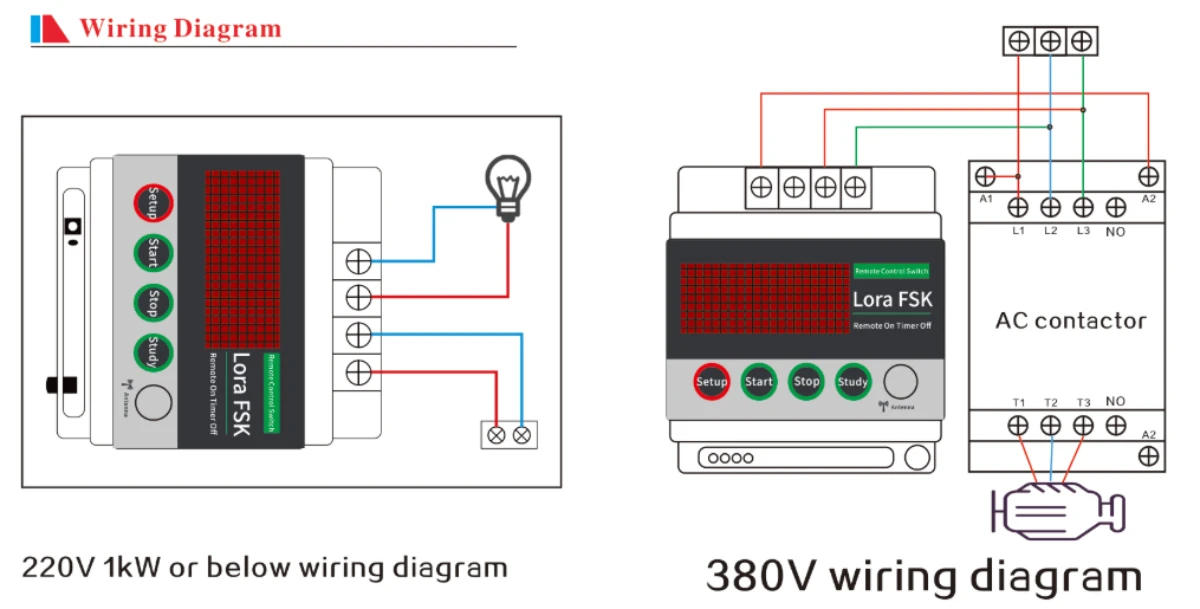
Wiring Diagram